and All Number. If None is selected, the DTMF code for unlock can not be
available during the call. If WhiteList is selected, Fasttel door phone can
only be unlocked by the contacts existing in the phone book. If All Number
is selected, all callees can open the door phone during the call by using
DTMF code
12. Door Access Schedule Management
You are required to configure and make schedule for the user-based door
access via Private PIN.
12.1. Configure Door Access Schedule
You can create door access schedules so that they can be later conveniently
applied to the door access control intended for individual users or a group of
users created. Moreover, you can edit your door access schedule if needed.
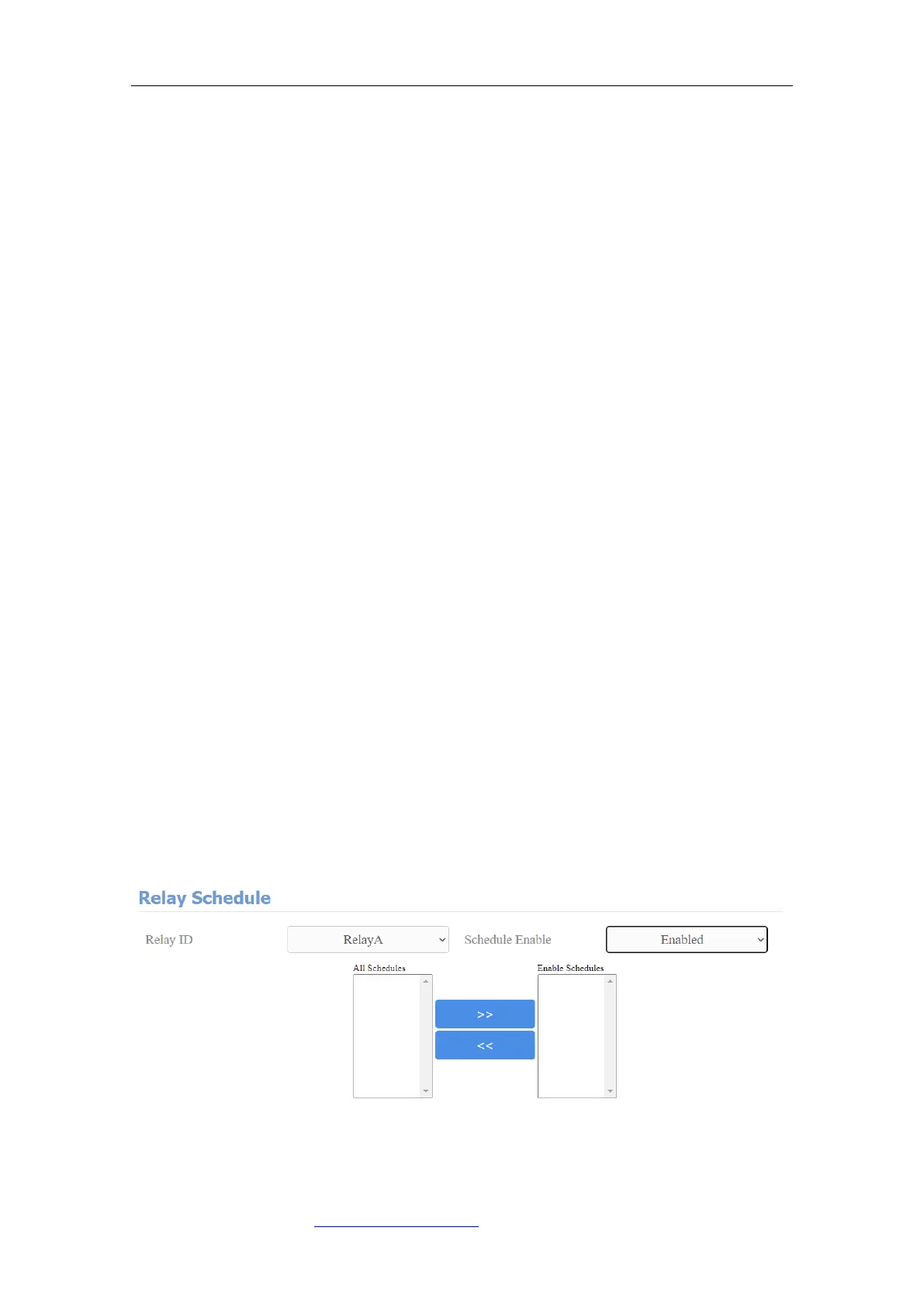
12.1.1. Manage Relay Schedule
Set the corresponding relay always open at a specific time. This feature is
designed for some specific scenarios, for example, the time after school, or for
morning work time. To do the configuration on the web Intercom > Relay >
Relay Schedule interface.
Parameter Set-up:



 To Next Page