⚫ Active: to enable or disable SNMP feature.
⚫ Port: to configure SNMP server’s port.
⚫ Trusted IP: to configure allowed SNMP server address. It could be an IP
address or any valid URL domain name.
8.7. VLAN Setting
Virtual Local Area Network is a logical grouping of two or more nodes that are
not necessarily on the same physical network segment but which share the
same logical IP domain. To be specific, the purpose of VLAN is to separate the
layer 2 broadcast domain. Within trunk links, the tagged packet will only be sent
to those ports with the same VLAN ID. This is usually achieved by switch or
router. User can benefit from deployed VLAN, such as: *Security: if without
VLAN, all hosts will be included in unique broadcast domain. Therefore, the
consequence of ARP attack will affect all end devices in the organization.
*Performance: The nature of network broadcast is to flood frames among the
network. In certain conditions, it is unnecessary to receive the broadcast frame.
To save bandwidth for high efficiency, it will be better to separate broadcast
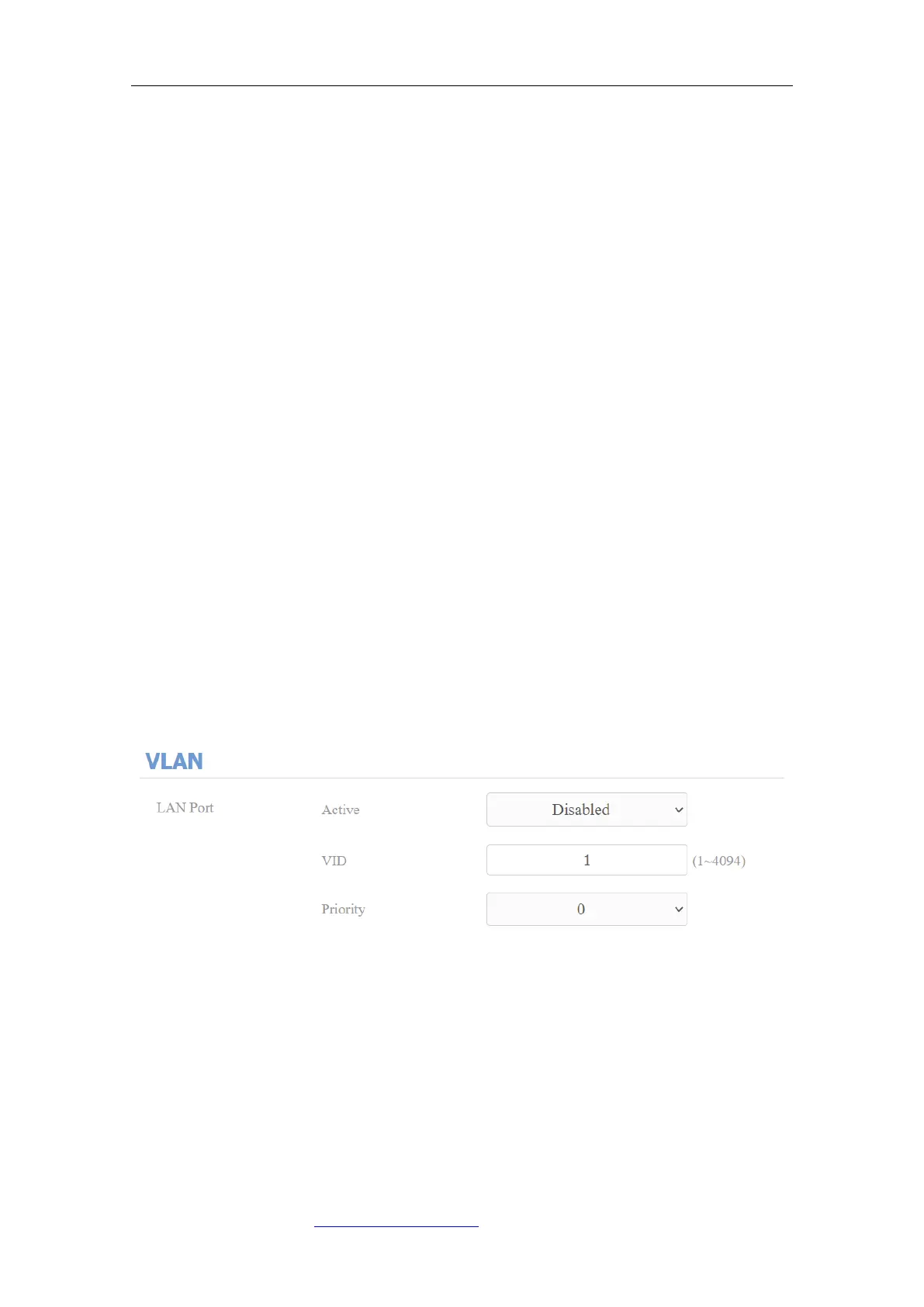
domain by deploying VLAN. To do the configuration on the web Network >
Advanced > VLAN interface.
Parameter Set-up:
⚫ Active: To enable or disable VLAN feature for designated port.
⚫ VID: To configure VLAN ID for designated port.
⚫ Priority: To select VLAN priority for designated port.



 To Next Page