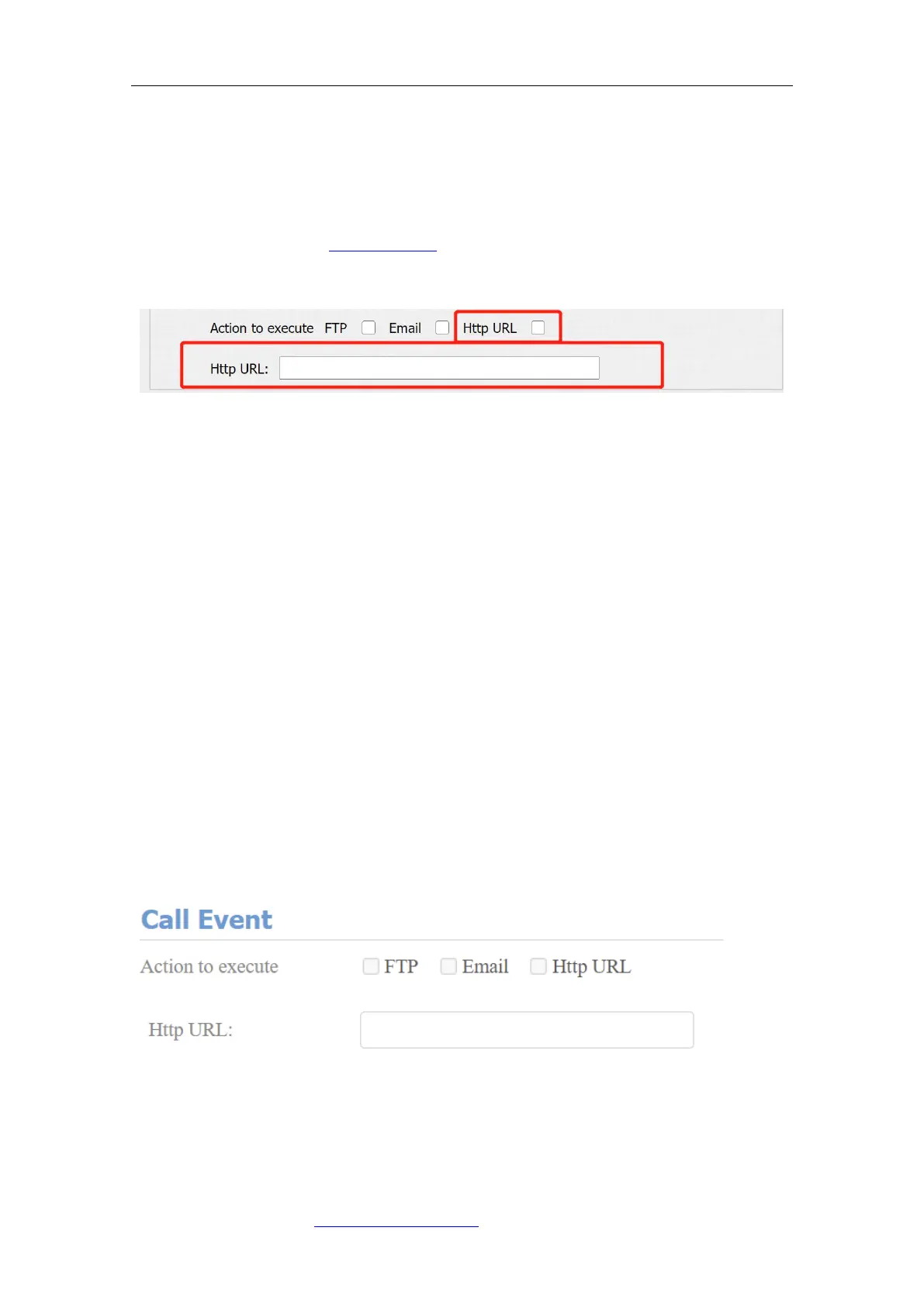
13.3.5. HTTP URL Notification Configuration
Fasttel door phones support sending the HTTP notification to the third party
when some features are triggered. HTTP notification can be set up in specific
chapters, please check chapter 16.4. The URL format:
http://http server IP address/any information.
Parameter Set-up:
⚫ Http URL: tick the check box to enable HTTP URL notification.
⚫ HTTP URL: If you choose HTTP mode, enter the URL format: http://http
server IP address/any information.
13.4. Security Action Configuration
13.4.1. Configure Action of Call
When pressing the push button, the door phone will trigger the pre-configured
action type, the notification can be sent out by Email, FTP notification or SIP
call. To do this configuration on web Intercom > Basic interface.
Parameter Set-up:



 To Next Page