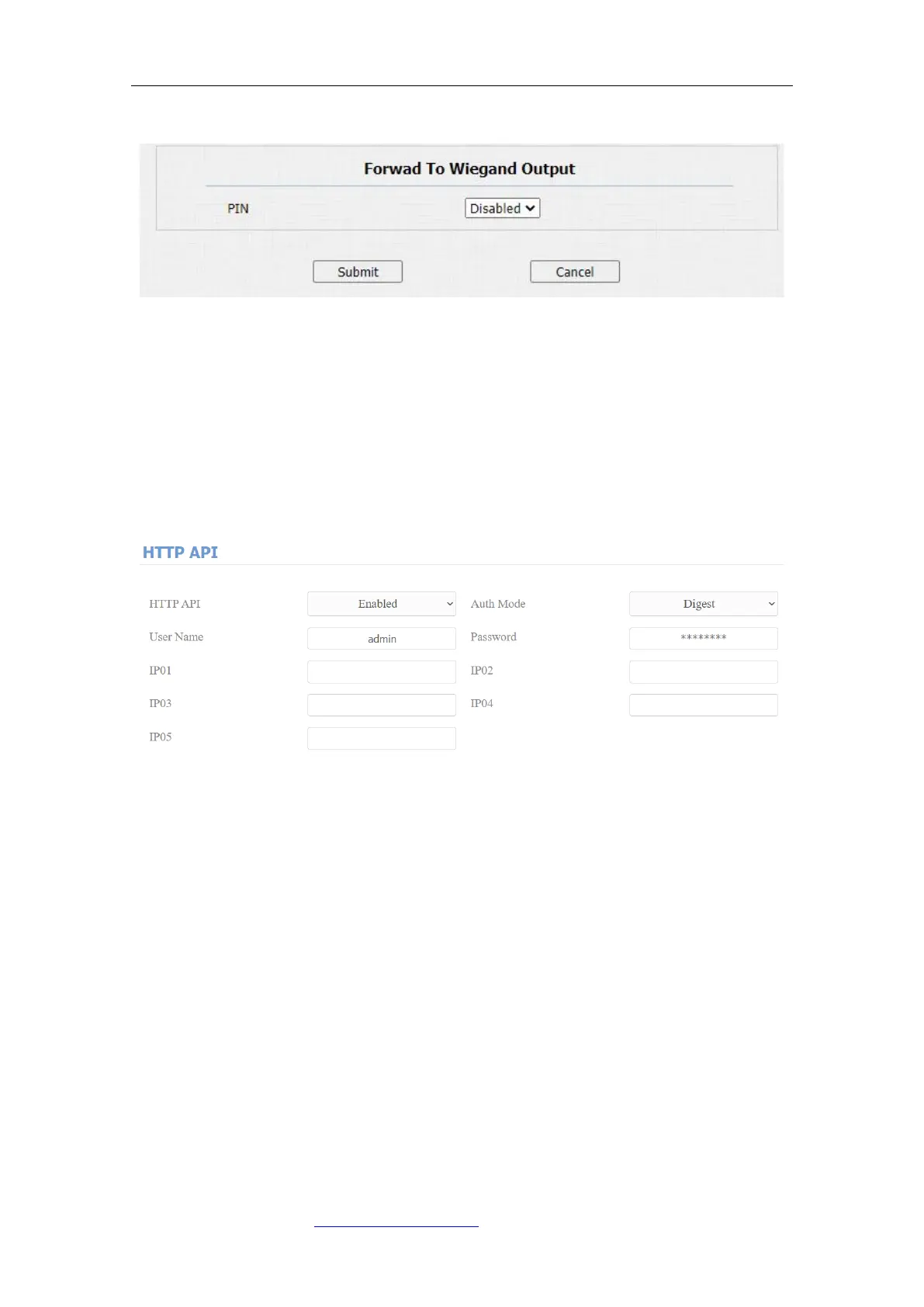
20.2. Integration via HTTP API
HTTP API is designed to achieve a network-based integration between the third
party device with the Fasttel intercom device. You can configure the HTTP API
function on the web Intercom > HTTP API interface for the integration.
Parameter Set-up:
⚫ HTTP API: select “Enable” or “Disable “ to enable or disable the HTTP API
function for the third party integration. For example, if the function is
disabled any request to initiate the integration will be denied and be
returned HTTP 403 forbidden status.
⚫ Auth Mode: select among four options: “None” “WhiteList” “Basic”, “Digest”
for authorization type, which will be explained in detail in the following chart.
⚫ User Name: enter the user name when “Basic” and “Digest” authorization
mode is selected. The default user name is “Admin”.
⚫ Password: enter the password when “Basic” and “Digest” authorization
mode is selected. The default user name is “Admin”.



 To Next Page