⚫ Input service: select “Enable “ to be able to use the Input function.
⚫ Trigger Option: select the trigger options according to the actual operation
on the exit button.
⚫ Action To Execute: select the method to carry out the action among four
options: FTP, Email, HTTP, Sip call
⚫ Http URL: enter the URL if you select the HTTP to carry out the action.
⚫ Action Delay: set up the delay time when the action is carried out. For
example, if you set the action delay time at 5 seconds., then the
corresponding actions will be carried out 5 seconds after your press the
button.
⚫ Open Relay: set up relays to be triggered by the input.
⚫ Door Status: display the status of the input signal.
12.5. Configure PIN Code for Door Unlock
You can create and modify both public PIN code and private PIN code for the
door access on FT600K door phone.
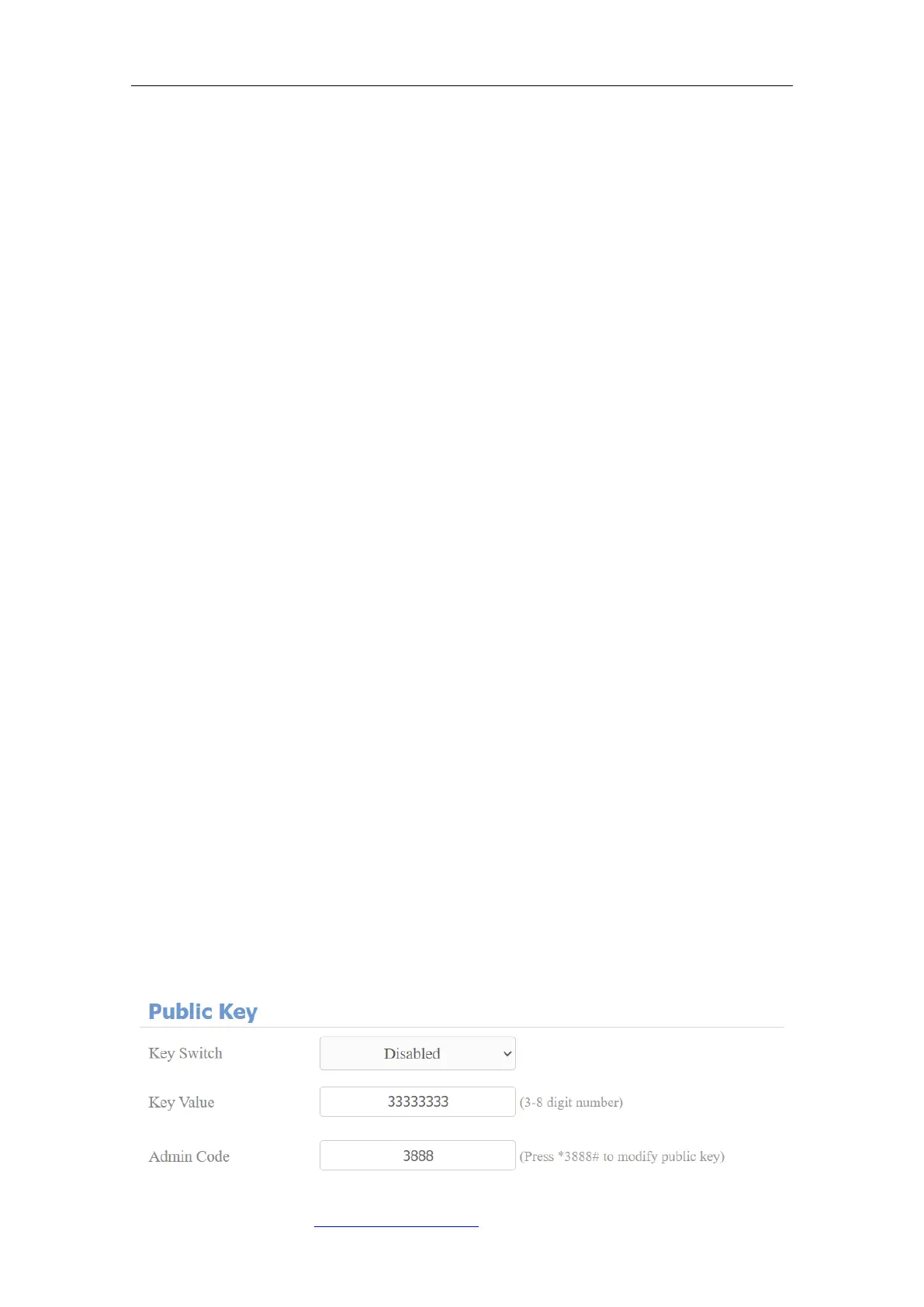
12.6. Configure Public Code for Door Unlock
Public PIN code is configured and used by the property in the same building or
in the same community. To do this configuration on the web Intercom > Basic >
Public PIN interface.



 To Next Page