20.3. Integration with Milestone
Fasttel multi-tenant door phone integrate with Milestone surveillance system,
to do this configuration on the web Intercom > Onvif interface.
Parameter Set-up:
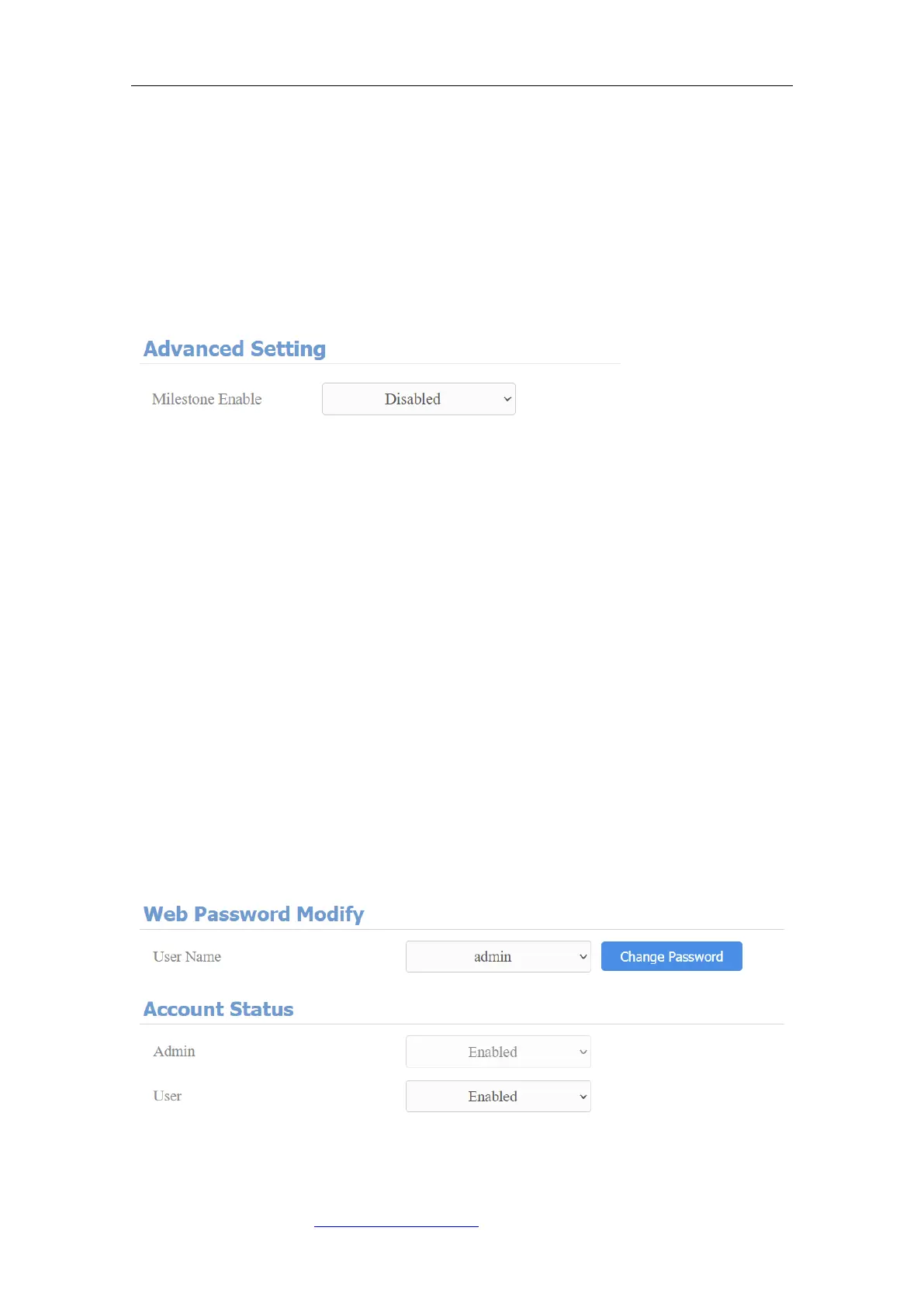
⚫ Milestone Enable: enable to integrate with Milestone system. It is disabled
by default.
21. Password Modification
21.1. Modifying Device Web Interface Password
To change the default web password on web Security > Basic interface. Select
"admin" for the administrator account and "User" for the User Account. Click
the Change Password tab to change the password. You can also disable User
account permission to login in the web.



 To Next Page