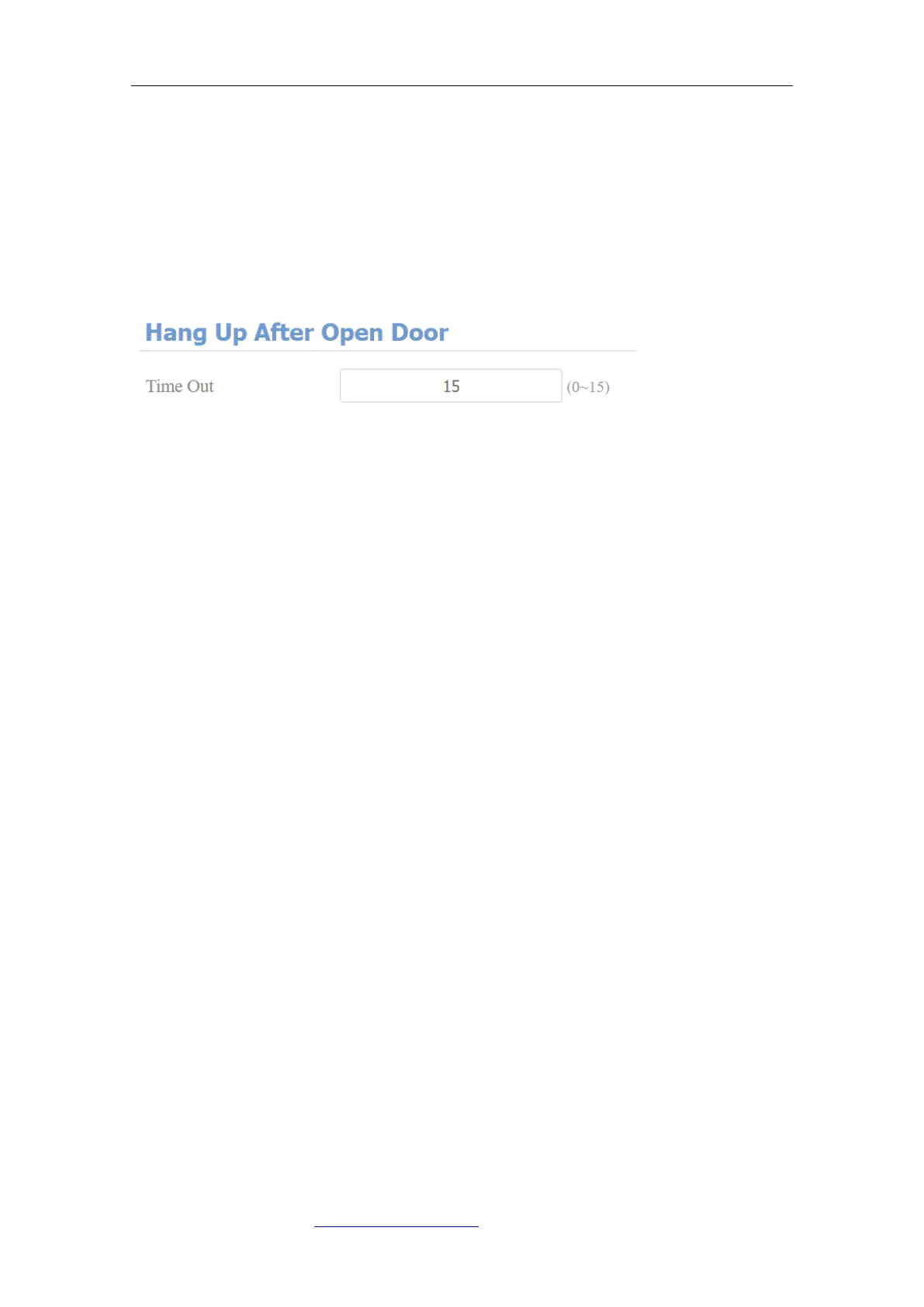
9.3.10. Hang Up After Open Door
This feature is used to hang up the call automatically after the door is released
during a call. So the caller or callee does not need to click hang up key again.
To do this configuration on the web Intercom > Basic> Hang Up After Open
Door interface.
Parameter Set-up :
⚫ Timeout: the time out value can be set up from 1 second to 15seconds. 5
seconds is the default. The call will be automatically hang up within this
value after the door is opened. 0 means no hang up.
10. Audio& Video Codec Configuration
10.1. Audio Codec Configuration
Fasttel door phone supports four types of Codec (PCMU, PCMA, G729, G722)
for encoding and decoding the audio data during the call session. Each type of
Codec varies in terms of sound quality. You can select the specific codec with
different bandwidths and sample rates flexibly according to the actual network
environment. It is only available for SIP call. To do the configuration on device
web Account > Advanced interface.



 To Next Page