⚫ Schedule Name: set the name of the time period.
⚫ Date Range: set the corresponding time period.
⚫ Day of Week: select the corresponding day of the week. This field will only
be displayed when the Week and Normal types are selected.
⚫ Date Range: set the corresponding date. This field will only be displayed
when the Normal type is selected.
12.2. Door Unlock Configuration
FT600K door phone offers you 1 type of access method: PIN code.
12.3. Configure Open Relay via HTTP for Door
Unlock
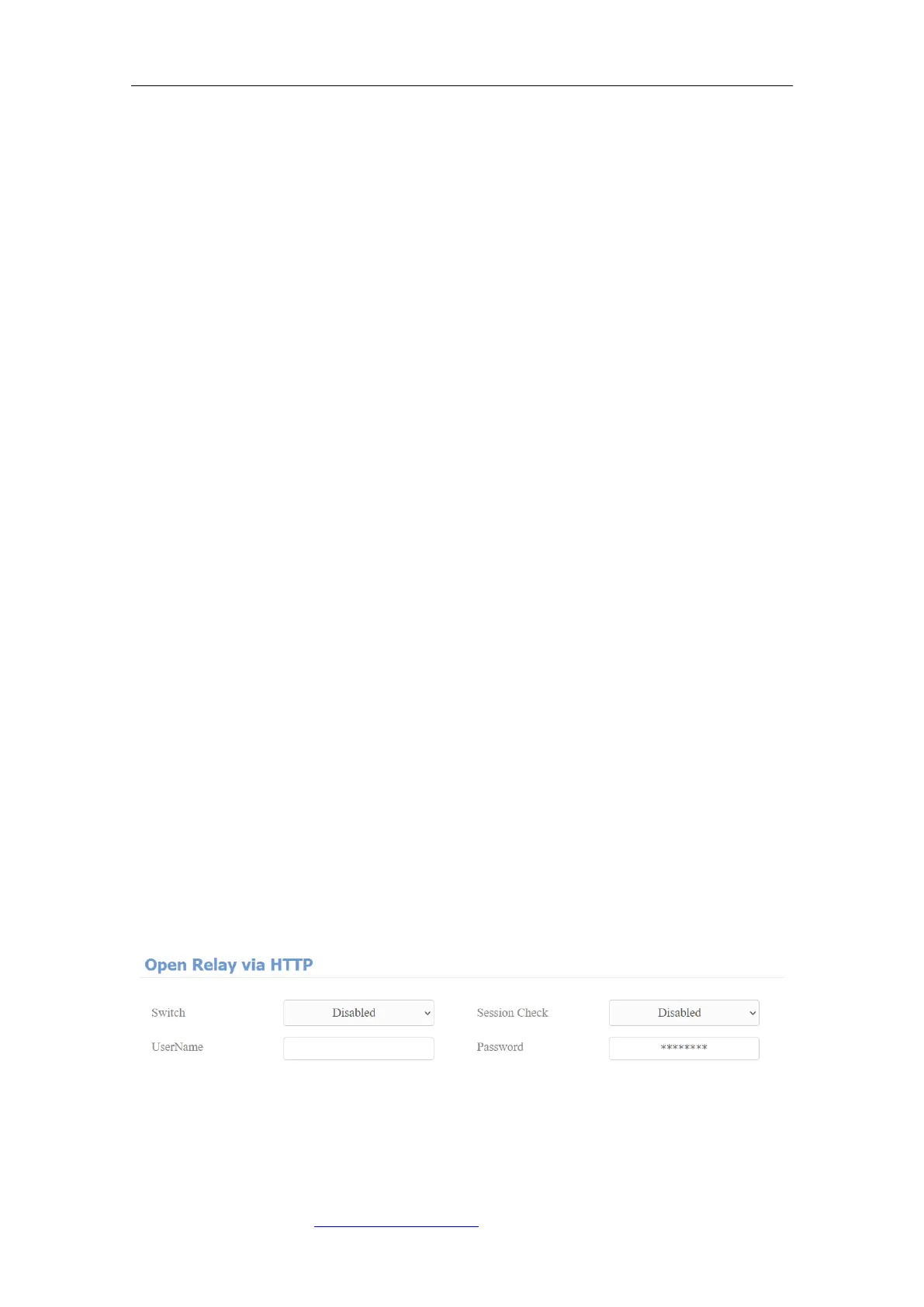
You can unlock the door remotely without approaching the device physically for
the door access by typing in the created HTTP command (URL) on the web
browser to trigger the relay when you are not available by the door for the door
access. To do this configuration on web Intercom > Relay > Open Relay Via
HTTP interface.
Parameter Set-up:
⚫ Switch: enable the HTTP command to unlock the function by clicking on



 To Next Page