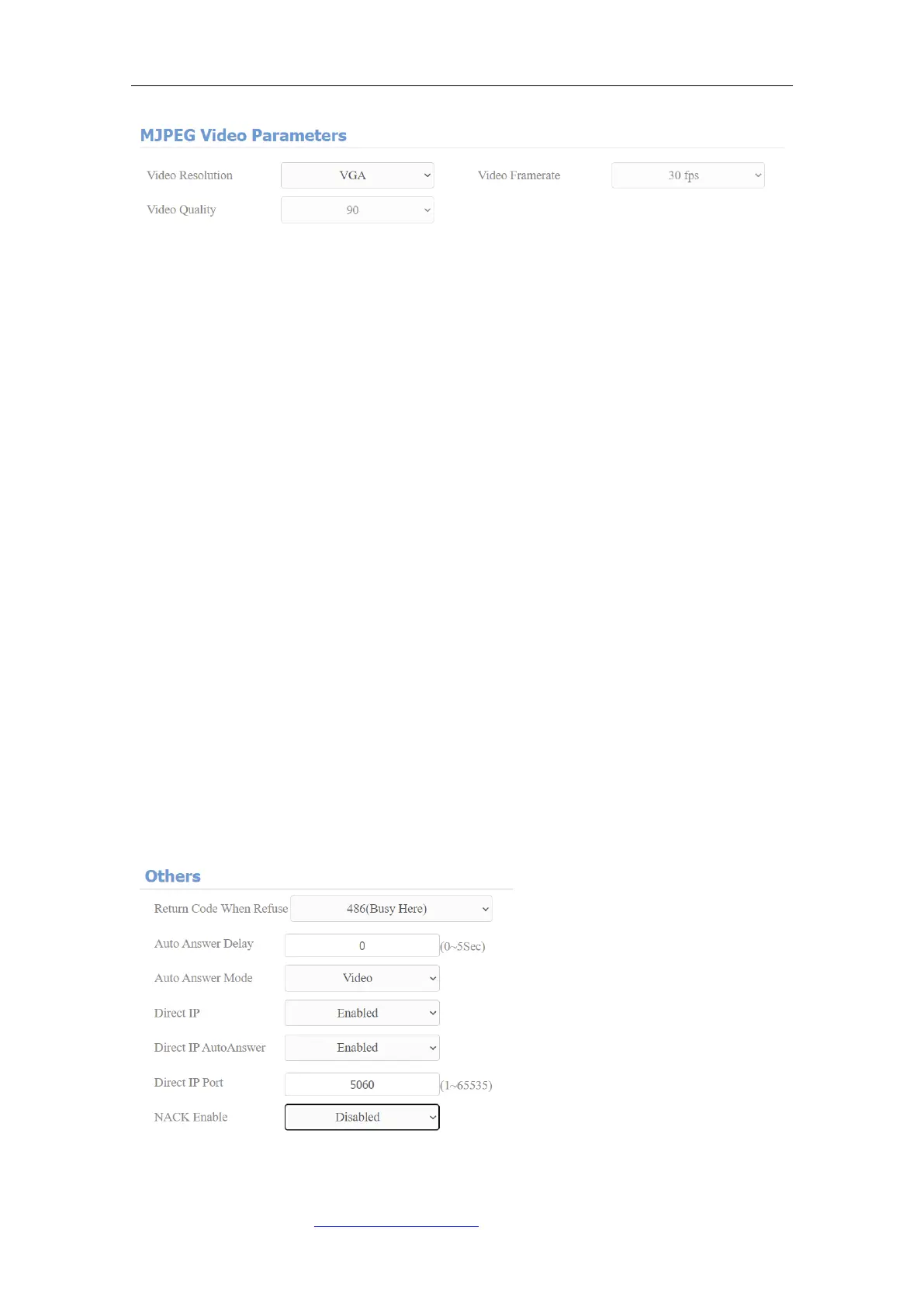
Parameter Set-up:
⚫ MJPEG Authorization: tick it to access device video or real-time
screenshots through a browser (http address such as: http://device
IP:8080/video.cgi (dynamic video), http://device IP:8080/jpeg.cgi (static
screenshot) )
⚫ Video Resolution: select video resolutions among seven options: “QCIF”,
“QVGA”, ”CIF”, ”VGA”, ”4CIF”, ”720P”. The default video resolution is “4CIF”.
And the video from the door phone might not be able to be shown on the
indoor monitor if the resolution is set higher than “4CIF”.
⚫ Video Framerate: 30fps is the video frame rate by default.
⚫ Video Quality: the video bitrate, from 50 to 90.
14.2.1. NACK
NACK (Negative Acknowledgement) used to ensure the smooth and continued
data transmission for the video call. To enable NACK, navigate to Phone > Call
Feature > Others.



 To Next Page