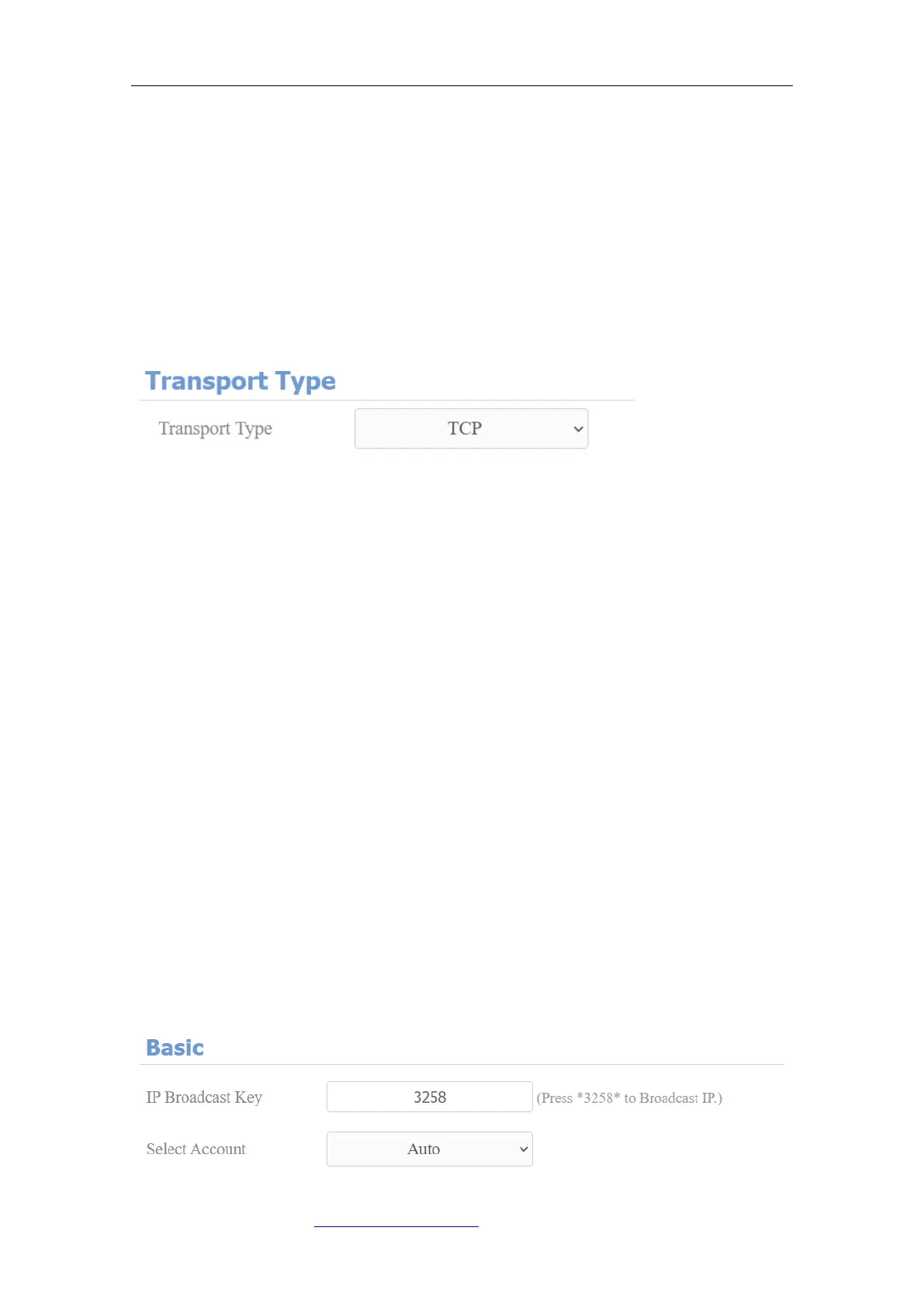
9.2.4. Configure Data Transmission Type
SIP messages can be transmitted in three data transmission protocols: UDP
(User Datagram Protocol), TCP(Transmission Control Protocol), TLS
(Transport Layer Security) and DNS-SRV. In the meantime, you can also
identify the server from which the data come. To do this configuration on web
Account > Basic > Transport Type interface.
Parameter Set-up:
⚫ UDP: select “UDP” for unreliable but very efficient transport layer protocol.
UDP is the default transport protocol.
⚫ TCP: select “TCP” for Reliable but less-efficient transport layer protocol.
⚫ TLS: select “TLS” for Secured and Reliable transport layer protocol.
⚫ DNS-SRV: select “DNS-SRV” to obtain DNS record for specifying the
location of servers. And SRV not only records the server address but also
the server port. Moreover, SRV can also be used to configure the priority
and the weight of the server address.
9.3. Configure Calling Feature
You can select the SIP account for making SIP calls. On the web, navigate to
Intercom > Basic.



 To Next Page