FT-50 Fill Level Inspector Service Manual
6-30
Calibrating the Centerline Inspection Trigger
1. Be sure there is no object blocking the inspection trigger beam.
2. Turn the Offset Adjustment clockwise until the Output
Contrast LED reaches 10 and then turn the adjustment counter-
clockwise until the LED drops to 5.
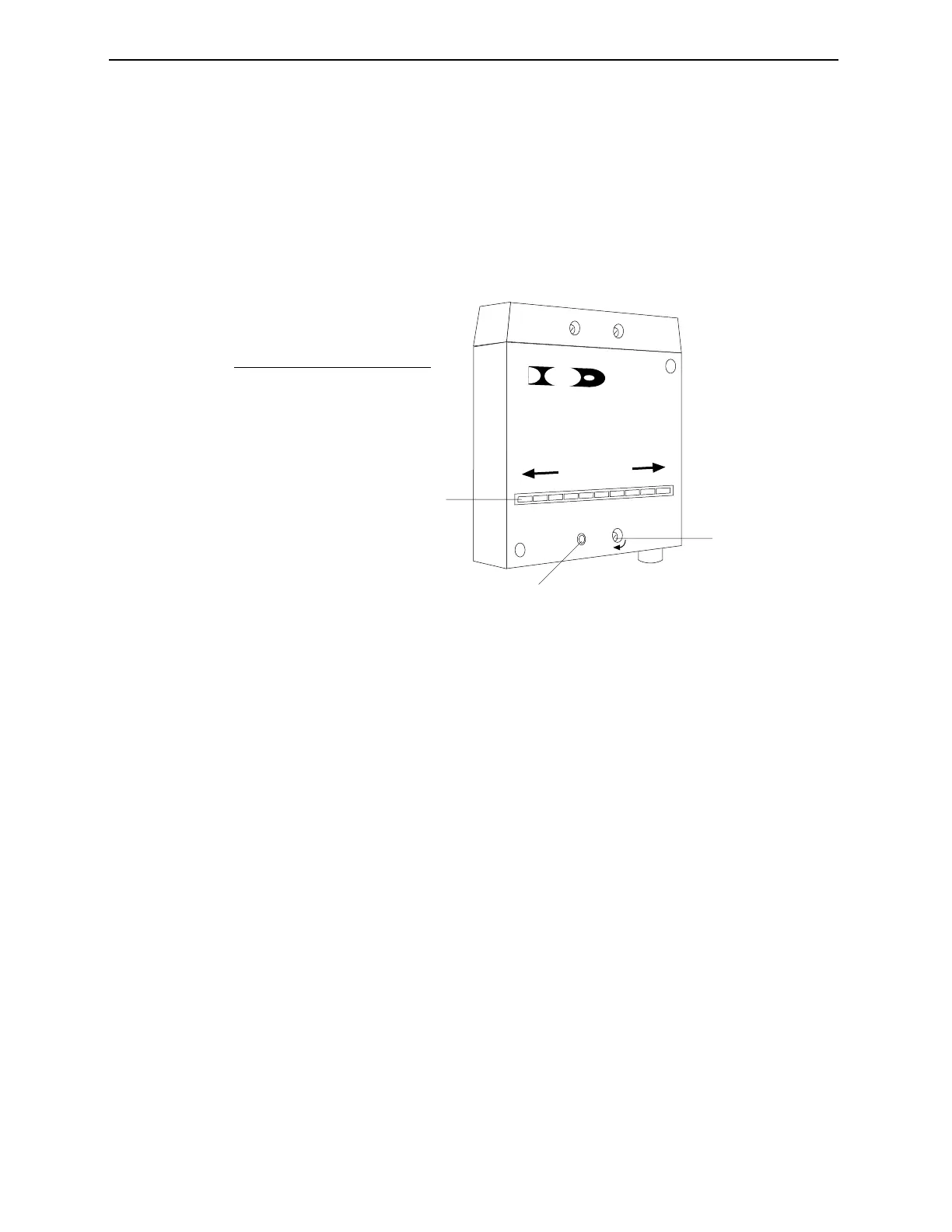
Figure 6-1. Calibrating the Inspection Trigger Amplifier.
3. Place a production container in the inspection tunnel so the
inspection trigger beam is completely blocked.
4. Turn the Offset Adjustment clockwise until the Output
Contrast LED returns to 5. Note the number of turns required
to return the level to 5.
5. Turn the Offset Adjustment counterclockwise half the number
of turns required in the previous step.
6. Remove the container from the inspection trigger beam path.
The Output Contrast LED should increase to 10 and the Output
LED should light.
10 9 8 7 6 5 4 3 2 1
LIGHT
DARK
CONTRAST
P/N 23969
R
E
OUTPUT
OFFSET
filtec
1
2
3
No. Description
1 Output Contrast LED
2 Output LED
3 Offset Adjustment
Industrial Dynamics Company, Ltd. Document 40255-0600



 To Next Page