Chapter 3: Installing the FT-50
3-23
Connect the Main Power Source
Before you begin wiring the FT-50 to the power source be sure the
power source meets the requirements explained in Chapter 2:
Installation Requirements.
Four wiring examples that cover most wiring situations are
provided at the end of this chapter in Power Supply Wiring
Examples. After you find an example that is similar to your
situation, choose one of the following procedures to complete the
wiring.
There are two different wiring procedures, depending on your
FT-50 configuration. Use the procedure appropriate for you
situation:
• If your FT-50 is not equipped with the optional I/O Junction
Box, use the Standard Power Supply Wiring procedure.
• If your FT-50 is equipped with the optional I/O Junction Box
use the procedure for Wiring the Power Supply Cable into the
I/O Junction Box.
Standard Power Supply Wiring
Warning
Disconnect all electrical power sources from the equipment before
attempting any installation procedure. Failure to do so can result
in personal injury and equipment damage.
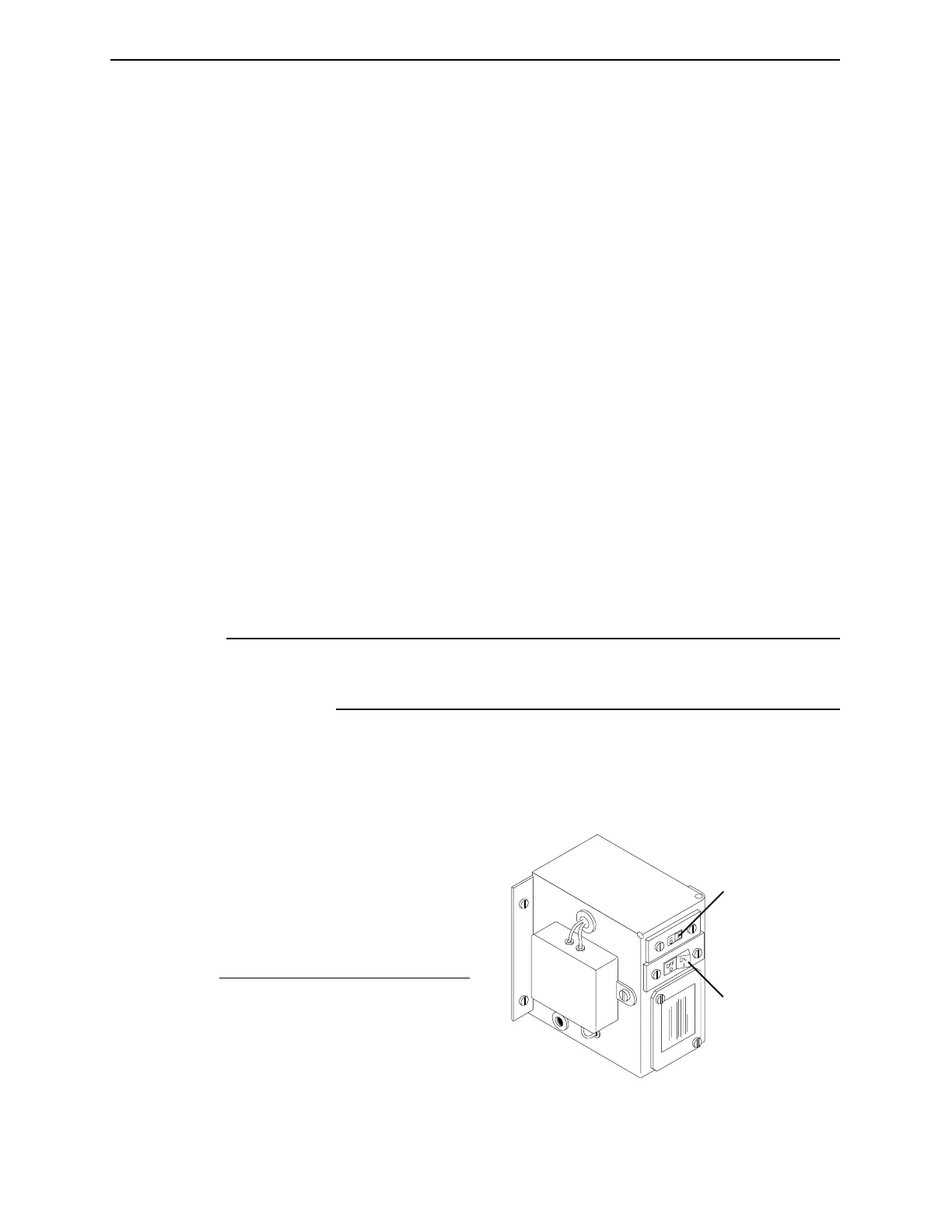
1. Check to be sure the voltage select switch is set to the appro-
priate input voltage (115 or 230 VAC) and that the power
switch is turned off.
Figure 3-20. Set the Voltage Select Switch.
1
2
No. Description
1 Voltage Selection Switch
2 Circuit Breaker/Power Switch
Industrial Dynamics Company, Ltd. Document 40255-0600



 To Next Page