79
DMP30 / DMP40 Data transfer
11.1 Data transfer via USB
Before you start
The Tactile Suite software program is installed on the PC and opened.
The gauge is switched off.
The USB cable from the scope of supply is ready.
For the data transfer, use the USB cable from the scope of supply or any other
commercially available USB cable with a C/A-type plug; maximum usable cable
length: 3 m (118.1 ")
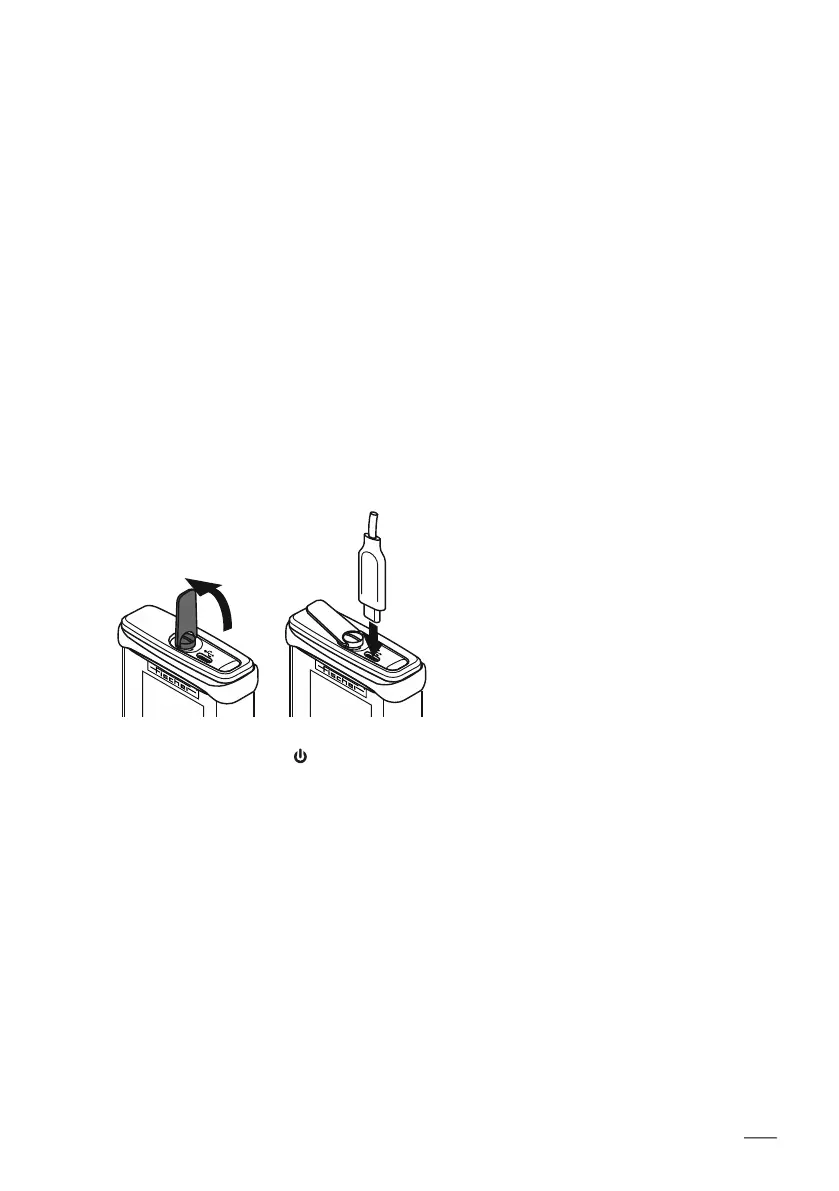
To transfer data to Tactile Suite via USB
1. Connect the gauge to your PC.
Use the USB connection on the top of the gauge.
2. Switch on the gauge:
The gauge is automatically detected and displayed in Tactile Suite in the menu on the
left. All data from the gauge are synchronized with Tactile Suite.
1.
2.
[ ]













 To Next Page