85
DMP30 / DMP40 Batch settings
12.3 Selecting the Measurement view for the batch
You can display various items of additional information for the open batch. You can
choose between two Measurement views.
Before you start
The batch for which you want to make the changes is open in the gauge.
To select a Measurement view
1. > Batch Modify > OK > Views Settings > OK > Measurement View > OK > select
desired Measurement view > OK
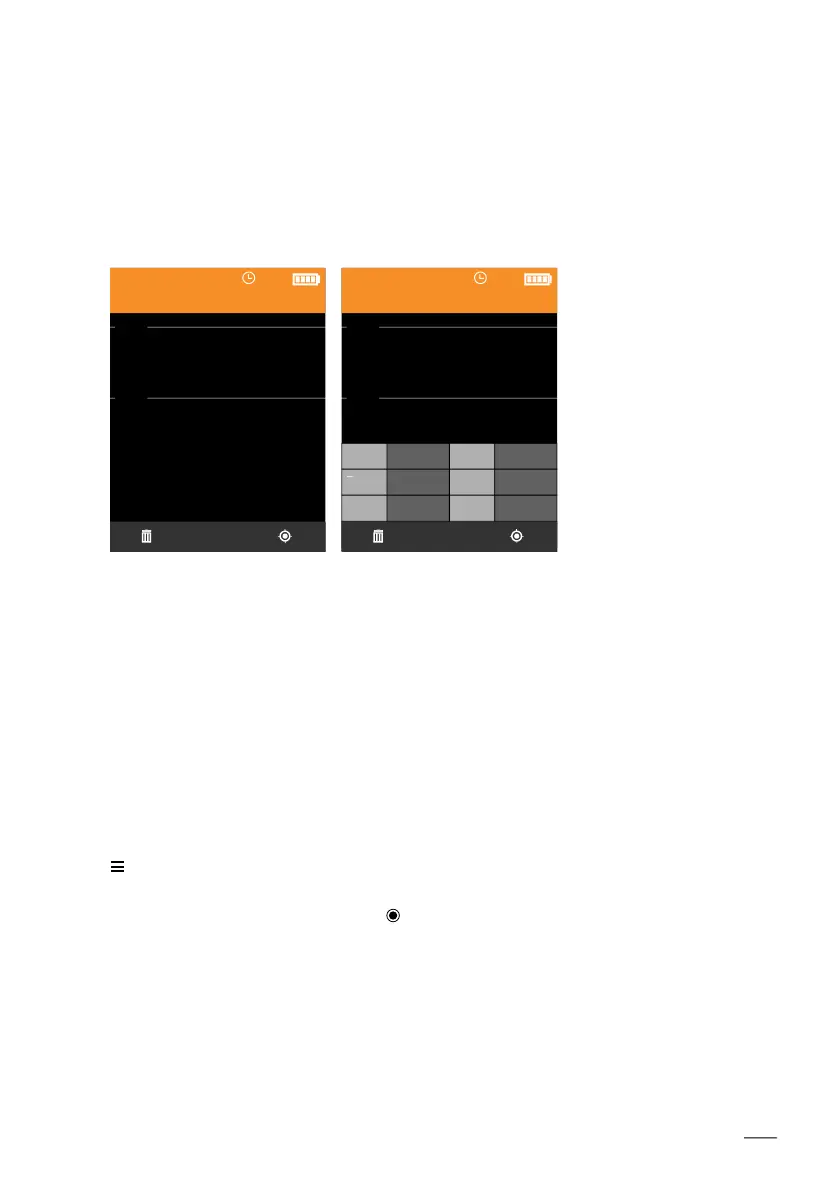
Measurement view is activated:
The display screens below should be considered only as examples; batch 001 has set specifica-
tion limits.
NF/FE
Batch 001
BLOCK
47.3
µm
i44.5
i49.0
NF/FE
Batch 001
No. 1 n 10
46.8 s 1.81
Min 44.9 Max 48.5
x
BLOCK
47.3
µm
i44.5
i49.0
Measurement view
Simple
Measurement view
Statistics (default mode)
Only the current measured
reading is displayed.
In addition to the current
measured reading, a mea-
sured reading statistic is
shown in a table.
[ ]













 To Next Page