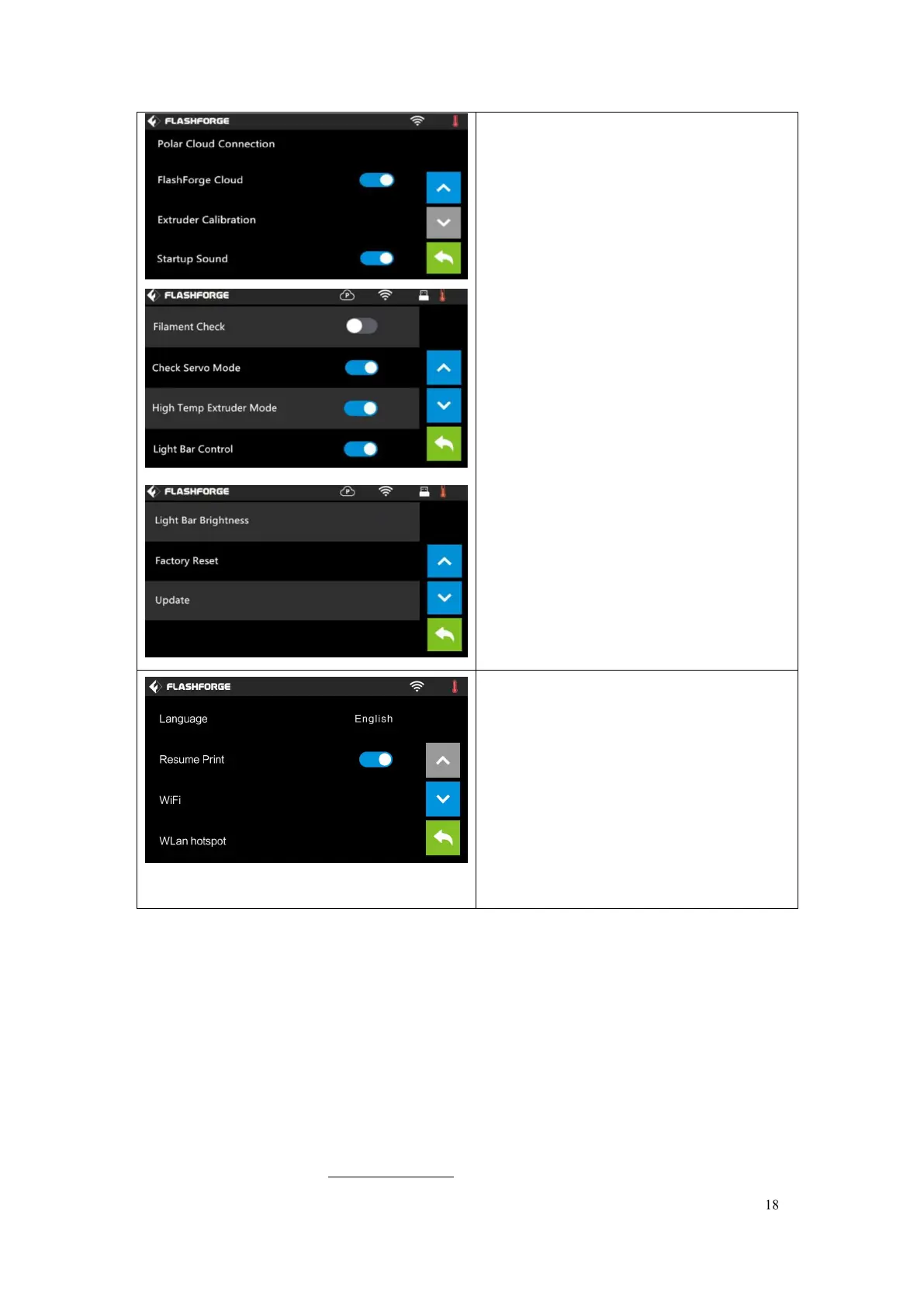
Polar Cloud Connection: To turn on/off
the Polar Cloud Connection.
Extruder Calibration: To adjust the initial
distance between the extruder and the
build plate.
Startup Sound: To turn on/off the
Startup Sound.
Filament Check: To turn on/off the
filament check
Light Bar Control: To turn on/off the
light bar control.
Light Bar Brightness: To adjust the light
bar brightness.
Factory Reset: Return to factory setting
Update: To update the firmware
version.
Back
Turn on
[Resume Print]
Left picture showed is the [Resume
Print] turned on status. If the printer is
turned off when current print job has not
finished yet, printer will continue and
resume previous printing job after
restarted.
(Note: If [Resume Print] is turned off, this
function will not apply. )















 To Next Page