Guider IIS series User Guide | www.flashforge.com
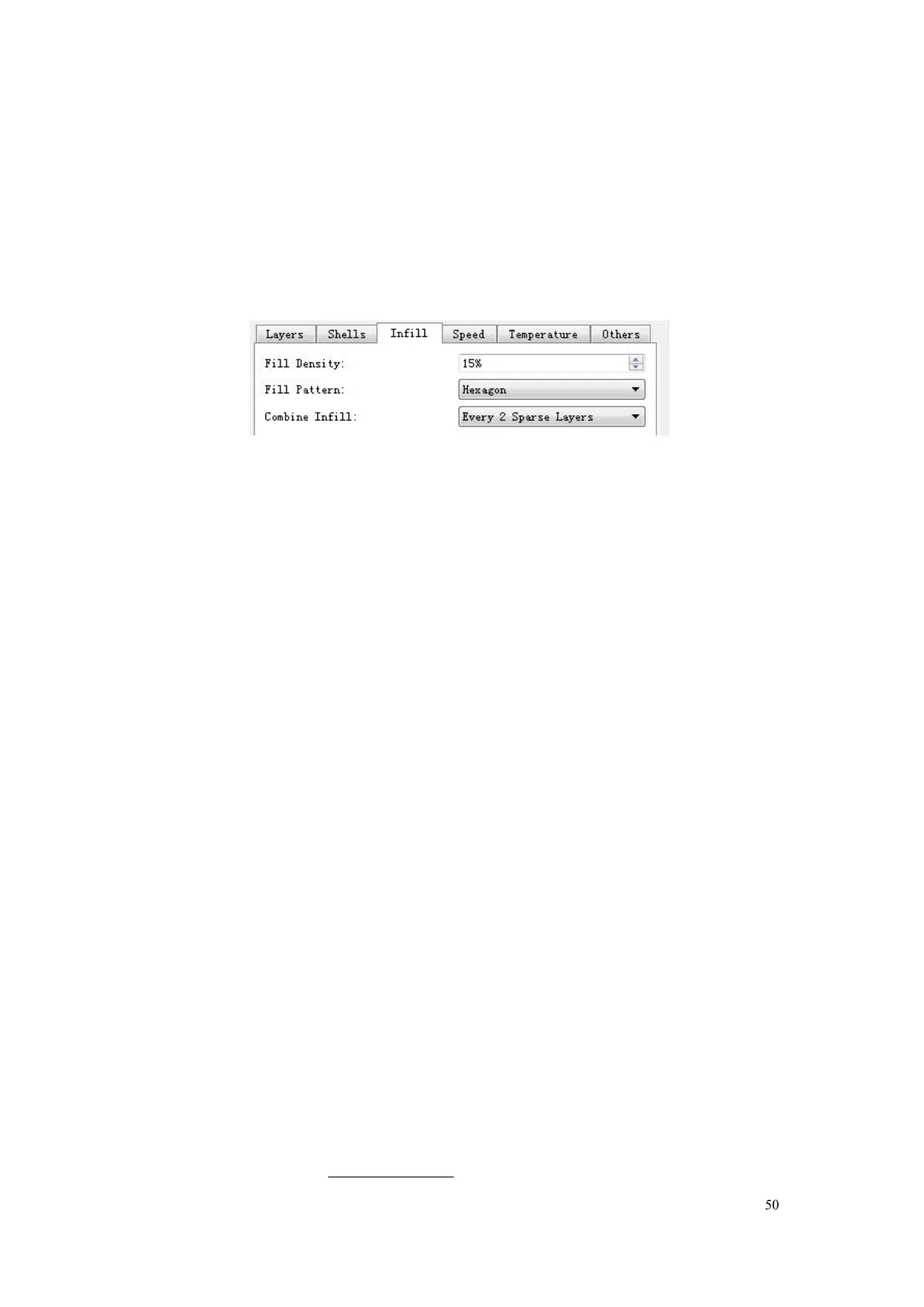
c. Combine Infill: You can select the layers for combining according to the layer
thickness. The combined thickness should not exceed 0.4mm. “Every N layers” is
for all the infills while
“
Every N inner layers
”
is only for inner infills, which generally
6-13
● Speed
a. Print Speed is the moving speed of the extruder. Generally, the lower
speed is, the better print you will get. For PLA printing, 80 is recommended.
b. Travel Speed is to control the moving speed of the extruder under
non-printing Status during work. For PLA printing, 100 is recommended.
Note: Modify parameters settings to get better prints as different models need
different parameters.
● Temperature
Extruder Temperature: Recommended extruder temperature is 220℃.
Note: Different temperatures have subtle influences in prints. Please adjust
the temperature according to the condition in order to get a good print.
Platform Temperature: To set the temperature of Platform.
● Others
Cooling Fan Control: Set up the time to turn on the cooling fan. You can
pre-set the height and make the cooling fan begin to work at the point.
Pause At Heights: Allows users to pre-set a height in which the print will















 To Next Page