Guider IIS series User Guide | www.flashforge.com
①Insert your USB stick with target .g or .gx file to your Guider IIS .
②Turn on the Guider IIS. Make sure the build plate has been leveled and the
③Tap
[Print]
and then tap the
USB Stick
icon in the middle. The file(s) will be
displayed on the screen. Select the file you want to print and tap [Print]. The
file will be transferred to the printer.
⑥And the printer will heat up the nozzle automatically and start to print after
the nozzle reaches the aimed temperature.,
Abort : To stop heating and printing. Once you tap [Abort], the process is
Pause:To suspend the print job, you can tap it again to resume it. You can
use this function when you want to change the filament halfway.
7.2.4 Print from Computer (Ethernet Cable connection)
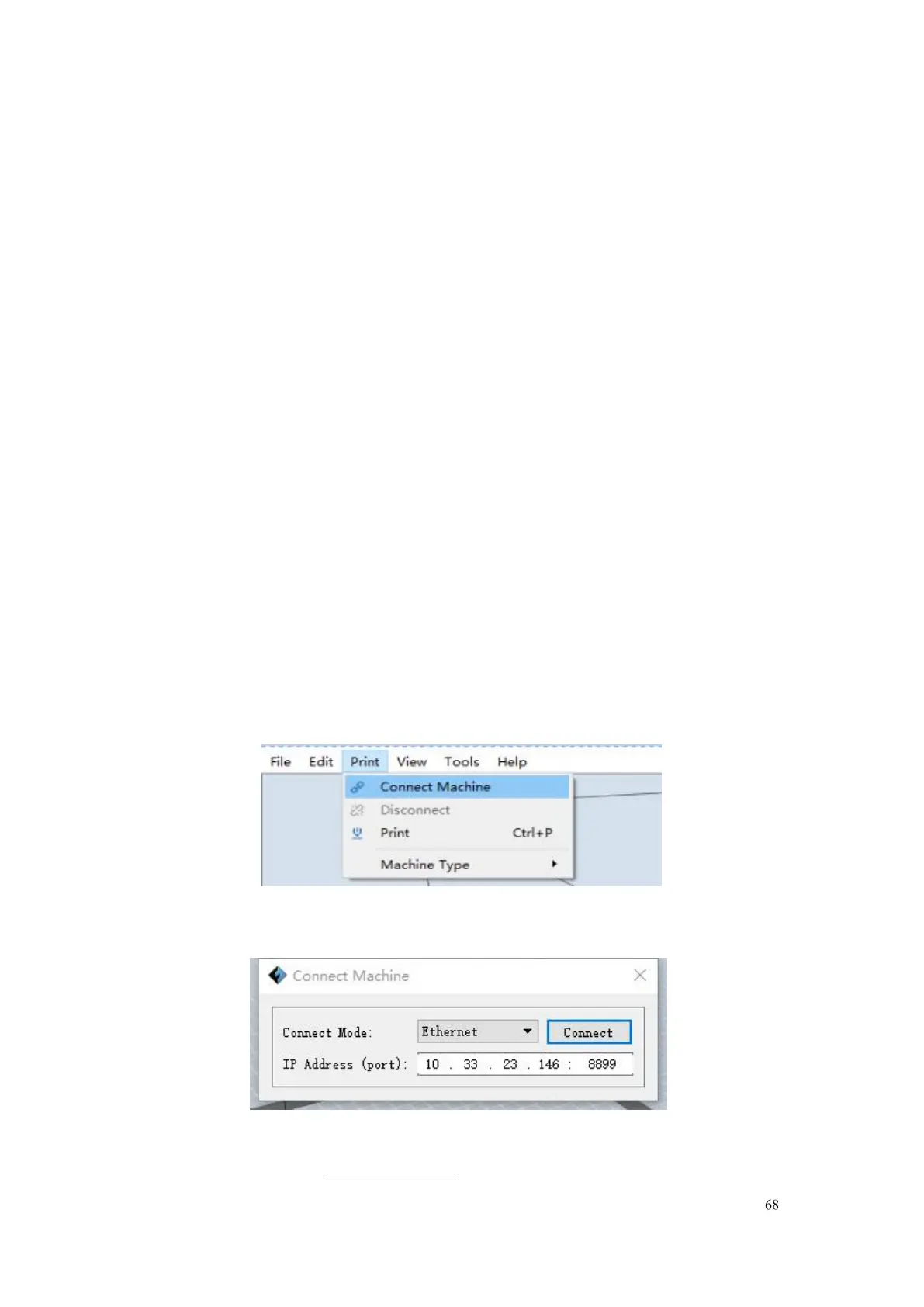
①Connect your Guider IIS series with your PC via an Ethernet cable.(Please
Enter the IP Address shown on your Guider IIS series interface and then click















 To Next Page