Guider IIS series User Guide | www.flashforge.com
Preview: If you check the [Preview] box, you can preview your model after
Print When Slice Done: If you print via USB cable, you can check the box,
while if you print via USB, you should not check the box.
Machine Type: FlashForge Guider IIS series
Supports: If you print a model with supports, you should click the inverted
triangle and select [Enable].
Raft: You are suggested to select [Enable].
Resolution: You are suggested to select [Standard]
More Options: You are suggested to keep them default.
Click [OK] to select the path to save the Gcode file. You can rename the file as
you like and save it as a .g or .gx file, click [Save] to generate a Gcode file.
Note
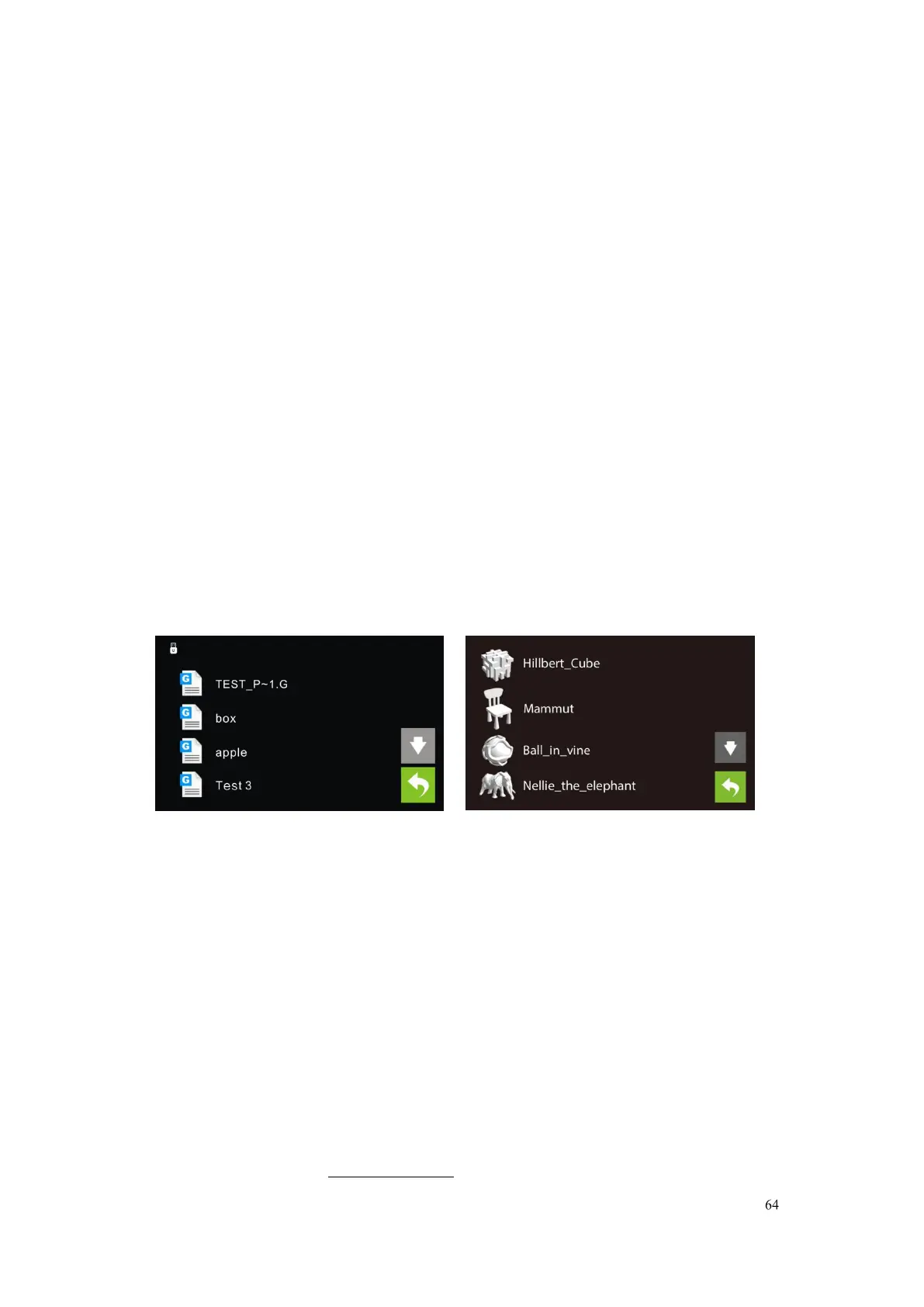
: .gx files are available for preview while the .g files are not. They are
g. Files gx. Files
7-7
Next, we are going to print the model.
After generating the Gcode file, you can transfer it to your Guider IIS. You can
transfer the file through USB cable ,USB stick, WiFi , and Ethernet cable.















 To Next Page