Guider IIS series User Guide | www.flashforge.com
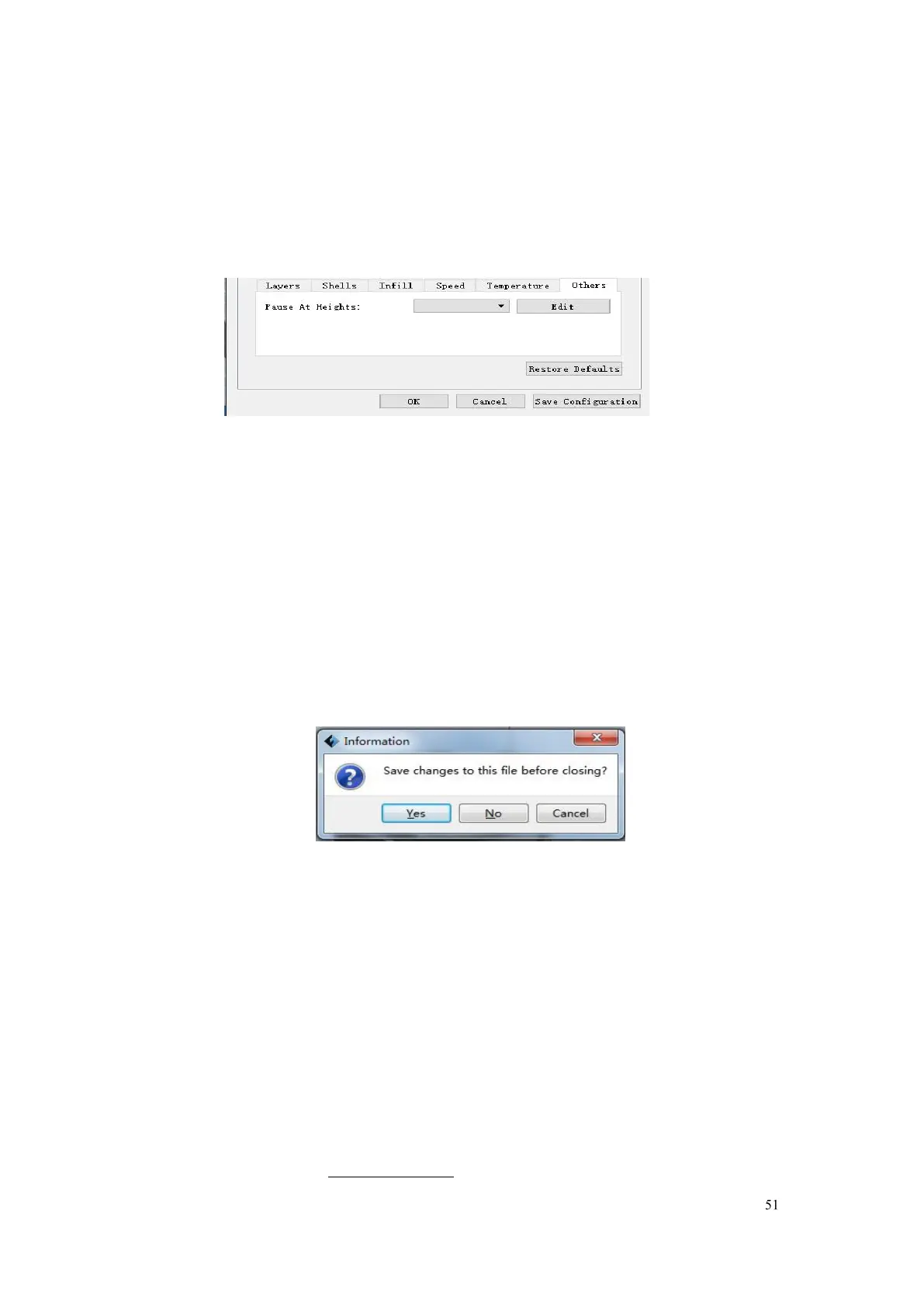
suspend automatically. The function usually applied when you want to change
the filament at a certain point. (6-14) Click [Edit], then you can add or remove
a height.
Click [
File
]--[
New Project
] can build a blank project. If there is an unsaved
modification on previous project, then it will inform you whether the
modification needs to be saved or not. Click [
Yes
] will save the modification,
while click [
No
] will abandon it. If click [
Cancel
] or close tool tip, then will
After finishing the model edit and adjustment, there are two ways below to
save all models in the scene.
Click
[File]
--
[Save Project]
in the menu bar to save the file as a project file
with the “ .fpp ” suffix, all models in the scene (include support) are















 To Next Page