Guider IIS series User Guide | www.flashforge.com
Seal (6-9)
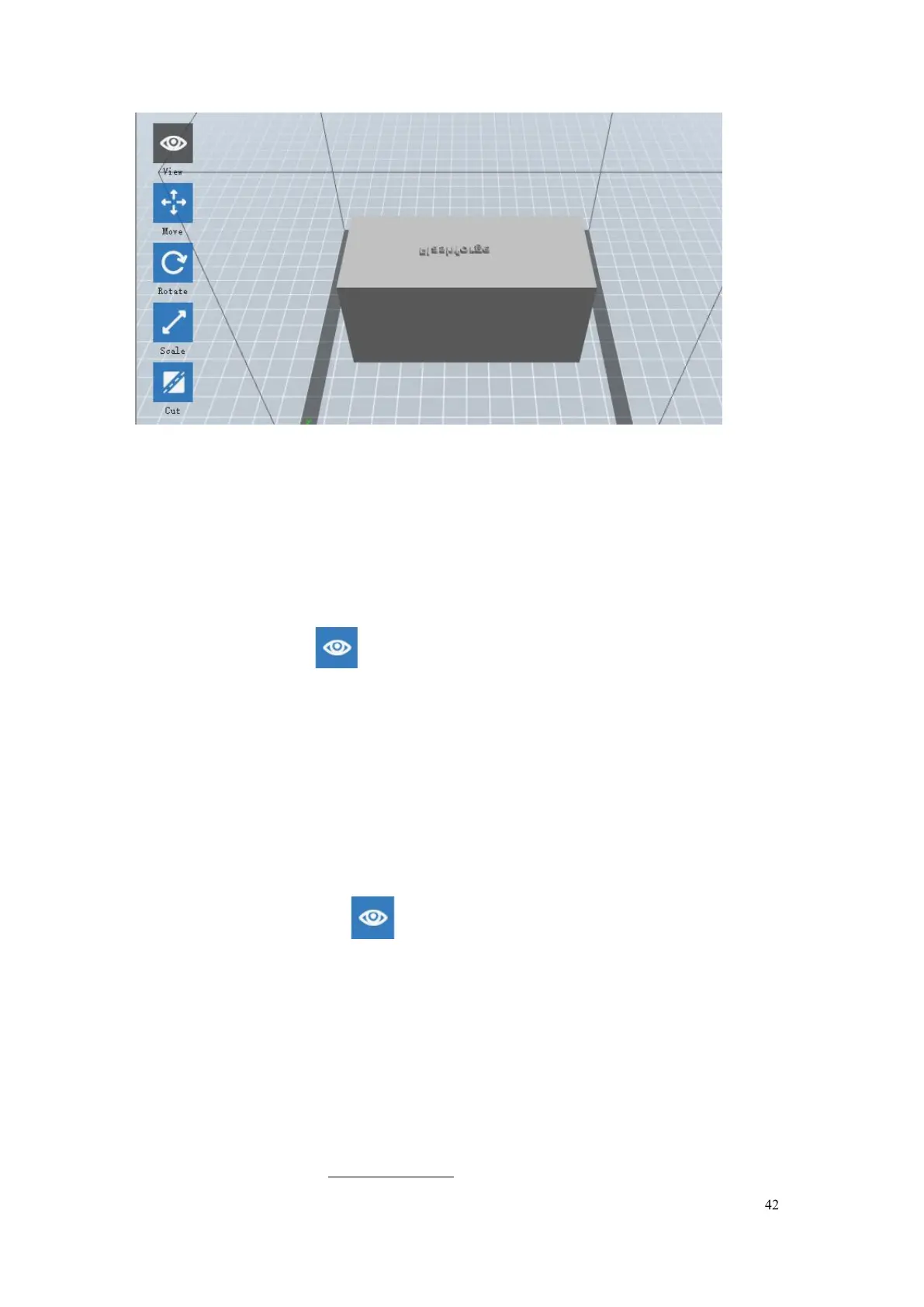
Change model views by moving, rotating, scaling.
Click the
[View]
icon and then you can move the object by the
Method 1:
Hold down the left mouse button and drag.
Method 2:
Hold down the mouse wheel and scroll up and down.
Method 3: Hold down the Shift key, hold down the right mouse button and
and then you can rotate the object by the
Method 1.
Hold down the right mouse button and drag.
Method 2. Hold down the Shift key, hold down the left mouse button and















 To Next Page