EasyManua.ls Logo

FLASHFORGE 3D PRINTER Guider IIS Series - Basic Printing Procedures; Generating Gcode Files

FLASHFORGE 3D PRINTER Guider IIS Series
82 pages
Print Icon
To Next Page IconTo Next Page
To Previous Page IconTo Previous Page
Loading...
Guider IIS series User Guide | www.flashforge.com
Chapter 7: Basic Printing
This chapter will provide a step-by-step guide on turning a 3D model into a
physical reality. Before proceeding, it is recommended that you’d better go
over prior chapters on loading/unloading filament, leveling the build platform,
and the functions and capabilities of FlashPrint.
7.1 Generate a Gcode
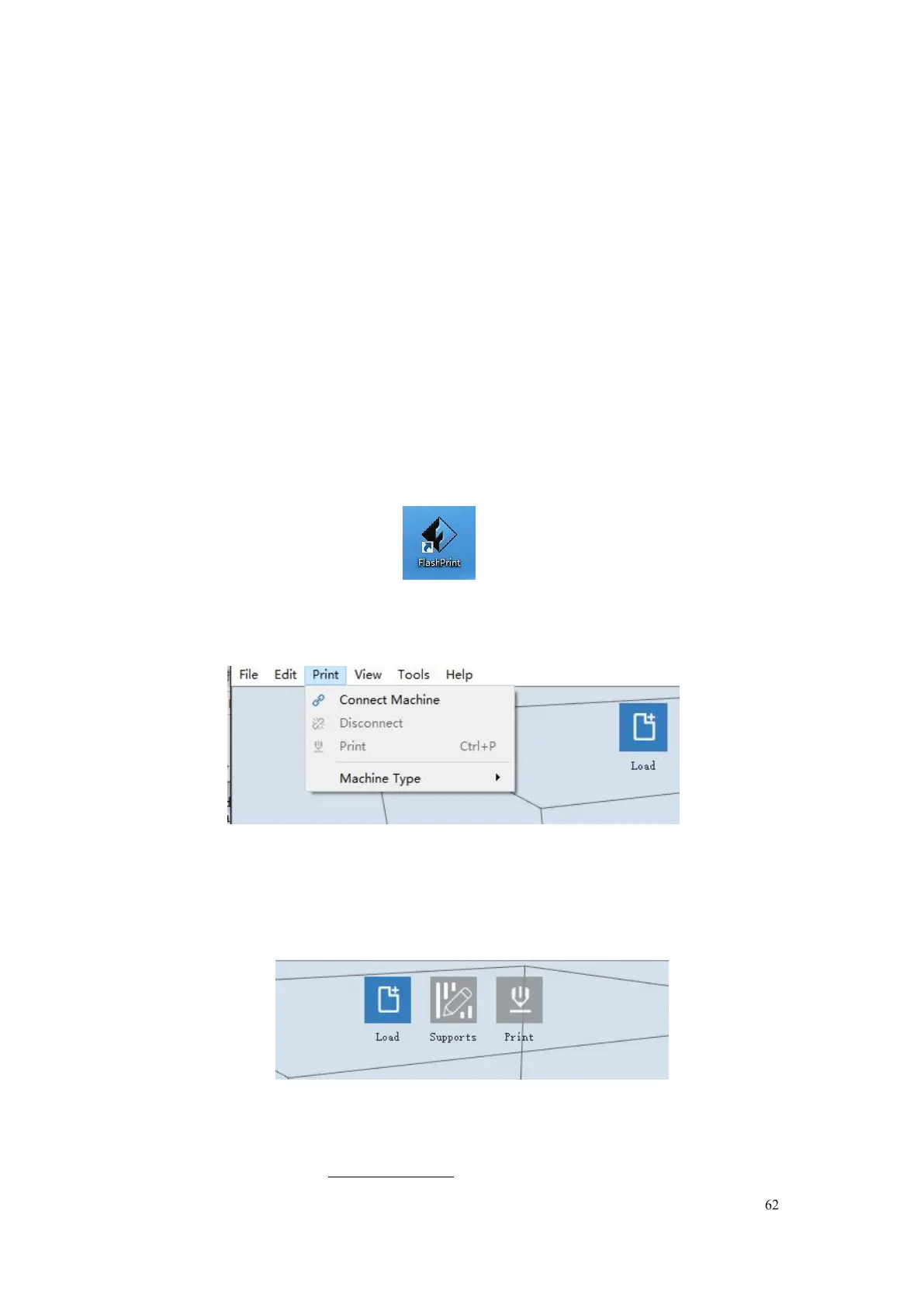
(7-1)Double-click the icon of FlashPrint to start the software.
7-1
(7-2)Click
[Print]--[Machine Type]
to select
FlashForge Guider IIS series
7-2
(7-3)Click the
[Load]
icon to load a .stl model file and the object will display on
the build area.
7-3
34

Table of Contents

Related product manuals