Guider IIS series User Guide | www.flashforge.com
②Turn on your Guider IIS, level the build plate and load the filament.
③Click [
Print
] and transfer your Gcode file to your Guider IIS. After completing
transference, the printer will heat up automatically. And when heating finishes,
the print will start to build the model.
7.2.5 Print from Polar Cloud connection
1
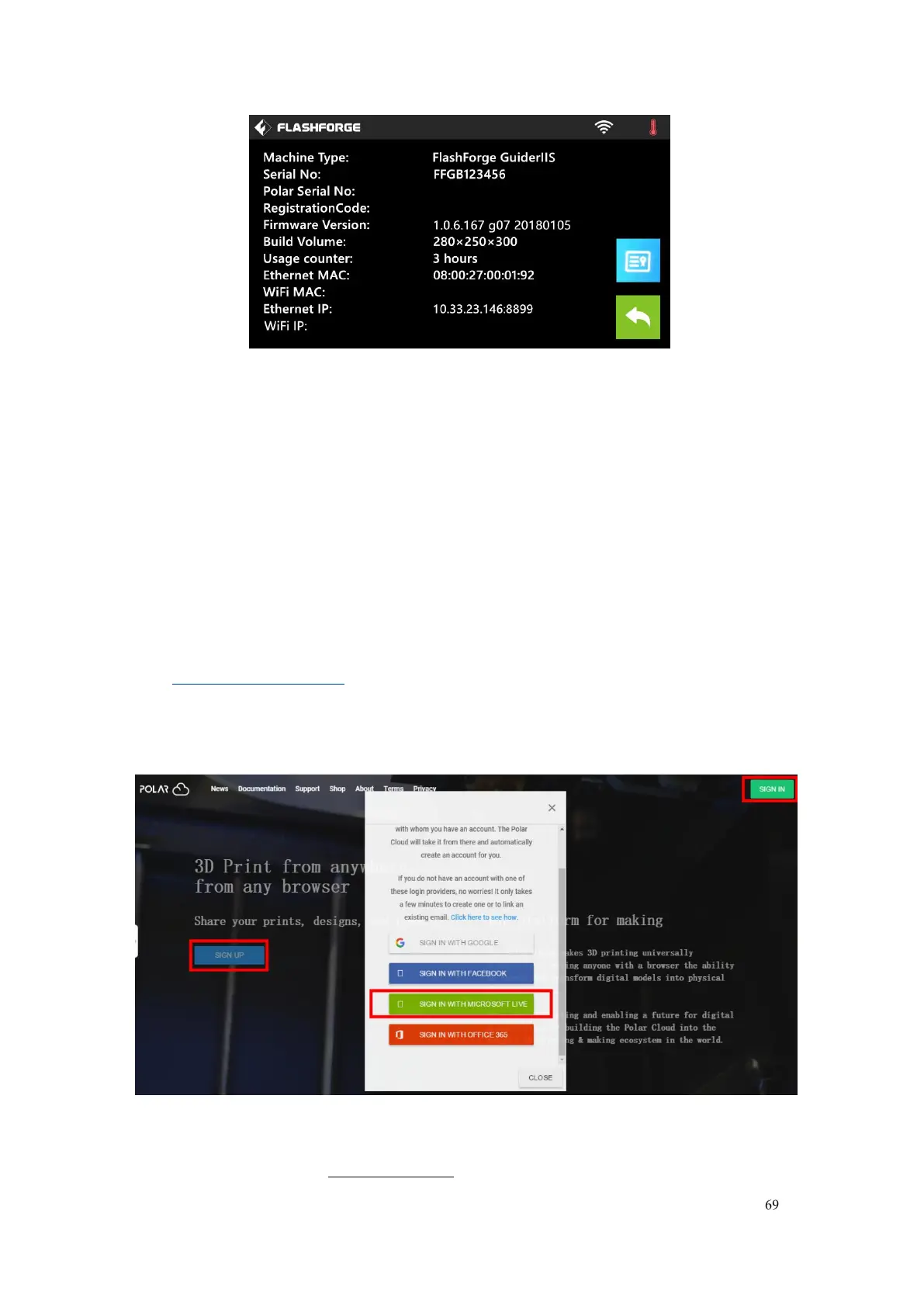
)Register a Polar Cloud account with your computer, on website:
https://polar3d.com/
Register your account using one of the four following options, take the third
microsoft live option as an example, create your new Polar Cloud account.















 To Next Page