EasyManua.ls Logo

FLASHFORGE 3D PRINTER Guider IIS Series - Printer Power-Up Steps

FLASHFORGE 3D PRINTER Guider IIS Series
82 pages
Print Icon
To Next Page IconTo Next Page
To Previous Page IconTo Previous Page
Loading...
Guider IIS series User Guide | www.flashforge.com
(4-2) Take out the filament and thread it through the filament detecting
equipment. (Note: The filament should feeds from the bottom of the spool
towards the top )
4.2 Printer Start-up
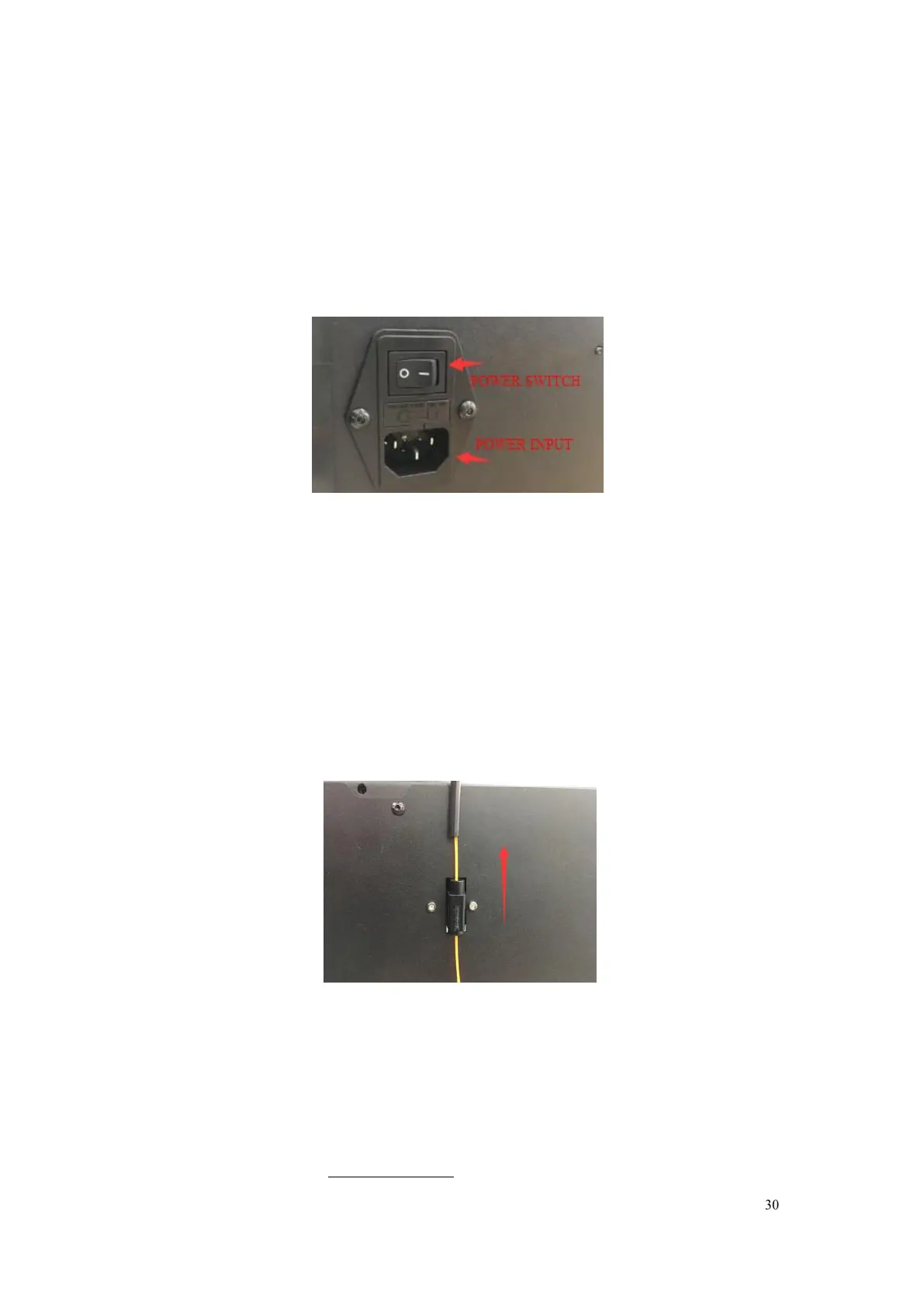
4-3
(4-3)Insert the power supply into the power input on the back of the Guider IIS
series and plug the power cord into an electrical outlet.
4.3 Loading Filament
For stable filament loading and proper device protection, you need to
install the filament guide tube properly.
4-4
(4-4) Take out the filament guide tube, thread the filament from Filament
Detecting Equipment

Table of Contents

Related product manuals