Guider IIS series User Guide | www.flashforge.com
Chapter 6: About Software
This chapter talks about the basic function of FlashPrint. For more information
about advanced function, you can browse our website www.FlashForge.com.
6.1 Software Installation
6.1.1 Software Acquisition
Method 1:
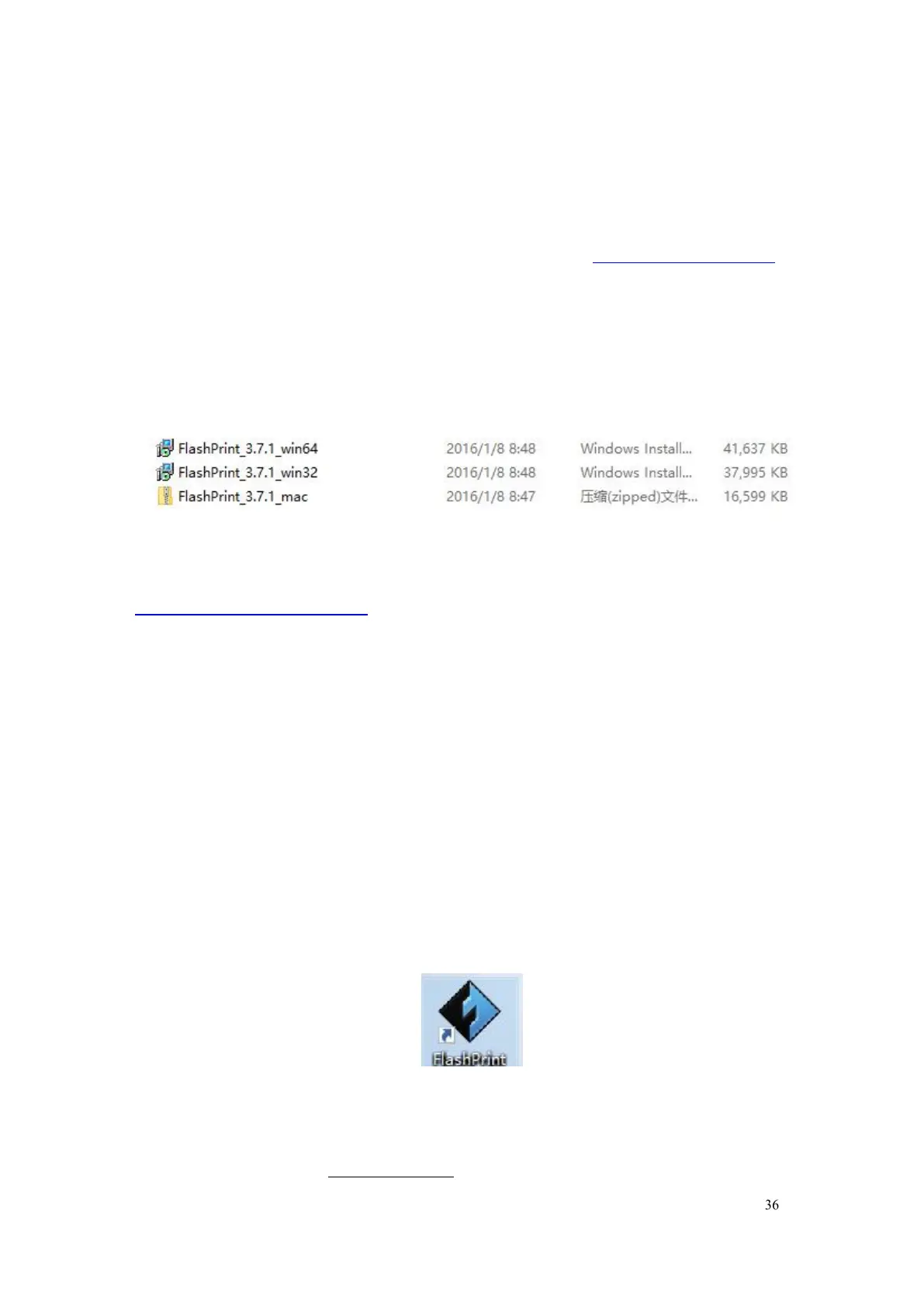
To get the installation package from the USB stick in the toolkit.
Method 2: Open the link below to download the installation package:
http://www.FlashForge.com
Support - Downloads - FlashPrint Choose the software version -
6.1.2 Software Installation and Start-up
1. Decompress the zipped file or start the installation program, and then
install the software according to the direction.
2. Start the software with the start menu shortcut or by clicking the software
6-1















 To Next Page