Guider IIS series User Guide | www.flashforge.com
7.2.1 Print from Computer (USB cable connection)
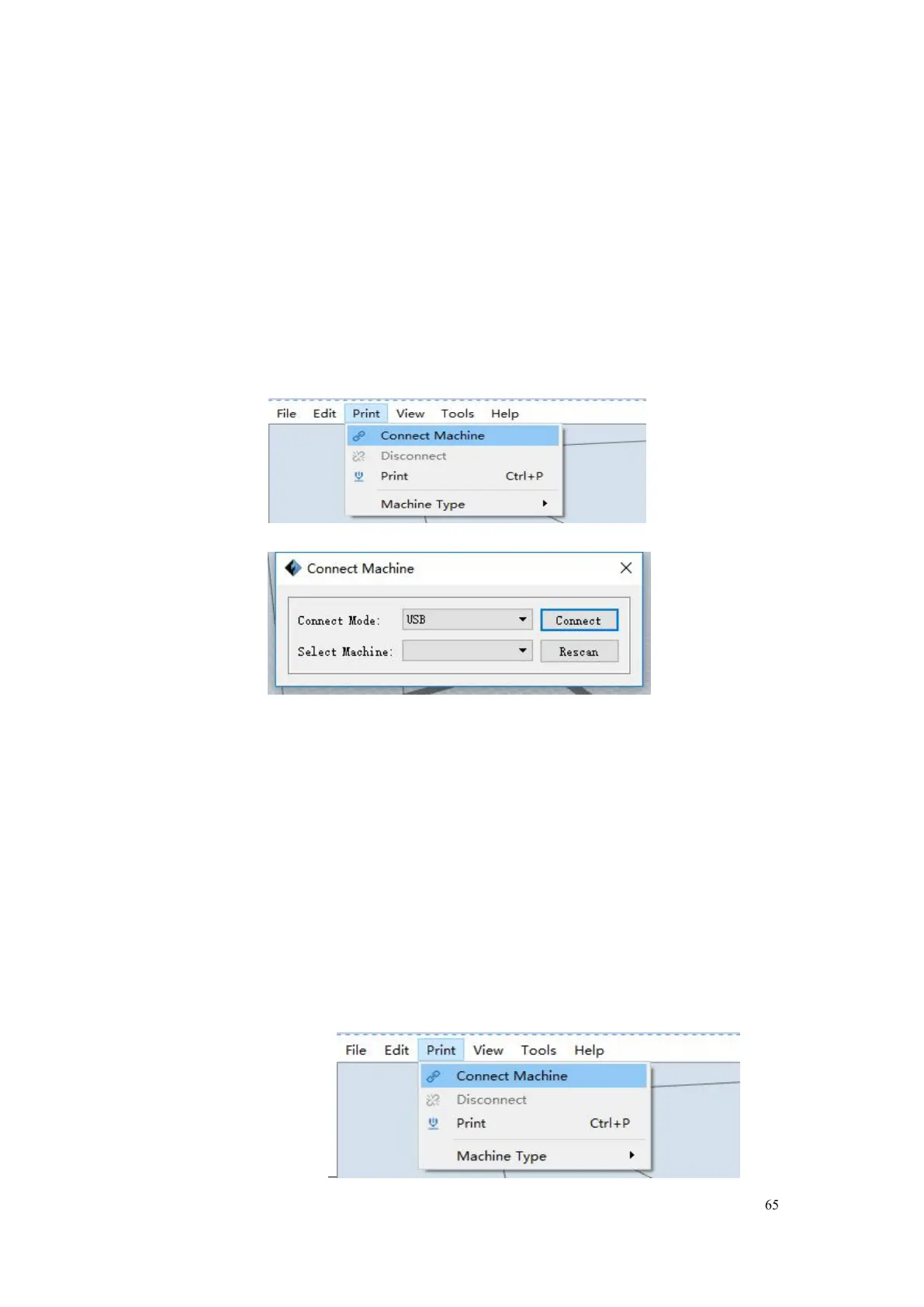
①Connect your Guider IIS series with your PC via a USB cable.(Please
②Turn on your Guider IIS, level the build plate and load the filament.
③ Click [Print] and transfer your Gcode file to your Guider IIS. After
completing transference, the printer will heat up automatically. And when
heating finishes, the print will start to build the model.
④When your PC connects with FlashPrint successfully. The status box on
the bottom right displays the real-time nozzle temperature. After finishing
preheating, your Guider Ⅱ starts the print job directly.
7.2.2 Print from Computer (WiFi connection)
① Connect your Guider Ⅱ S with your PC via WiFi. (2 WiFi connection
methods, Please refer to 6.2.13 )
Enter into the IP Address shown on your Guider IIS series interface and















 To Next Page