Guider IIS series User Guide | www.flashforge.com
(4-11) Tap
[Tool]-[Unload]
and the extruder starts heating up.
4-12
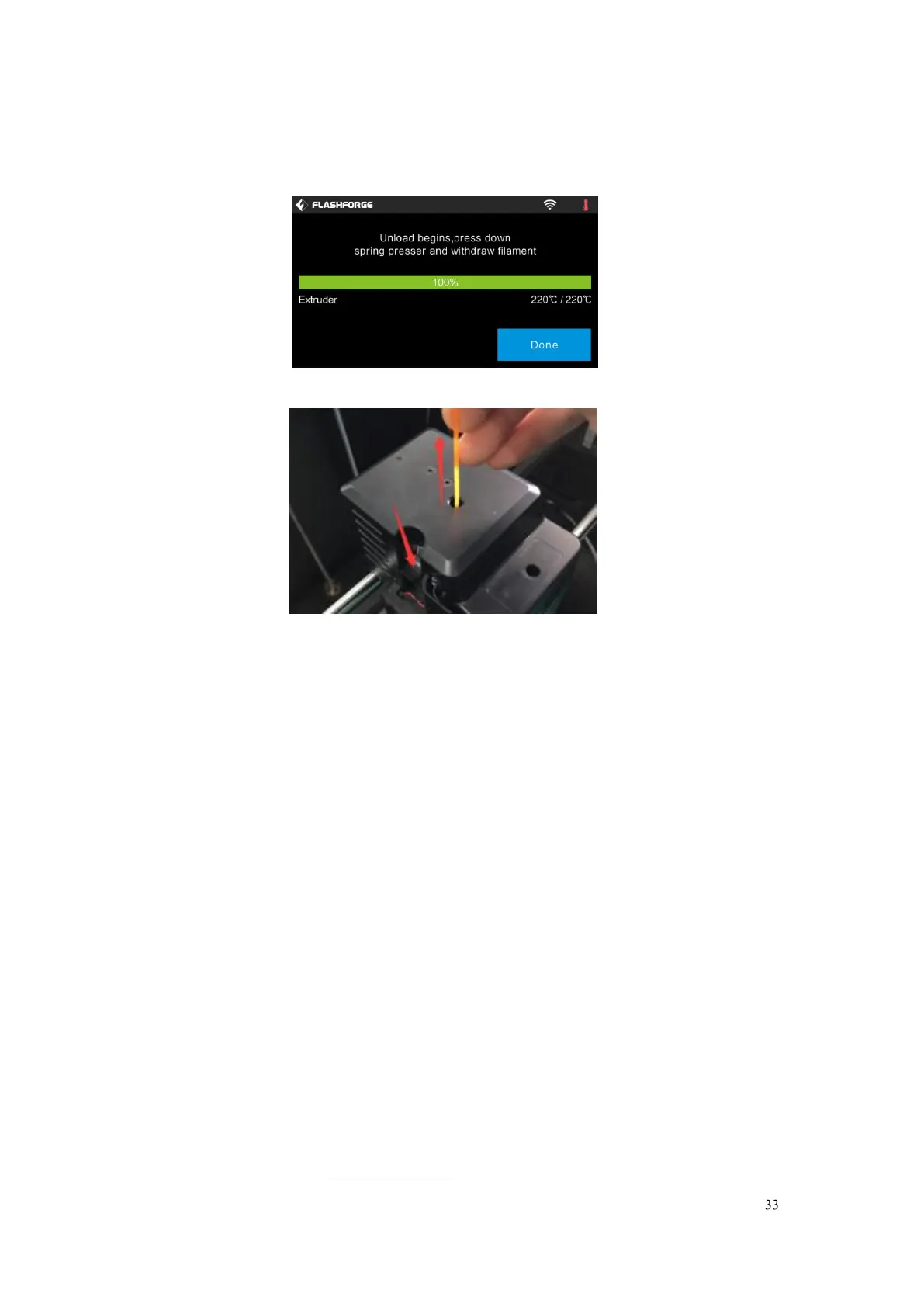
(4-12) After the extruder reaches 220 ℃ , the printer will sound a beep to
prompt you to unload the filament from the extruder. Press the spring presser,
press down the filament for about three seconds and gently pull the filament
out.
Note: Do not pull out the filament with force as it will damage the gears. If
the melted filament has cooled down in the extruder, please repeat the
steps above.















 To Next Page