Guider IIS series User Guide | www.flashforge.com
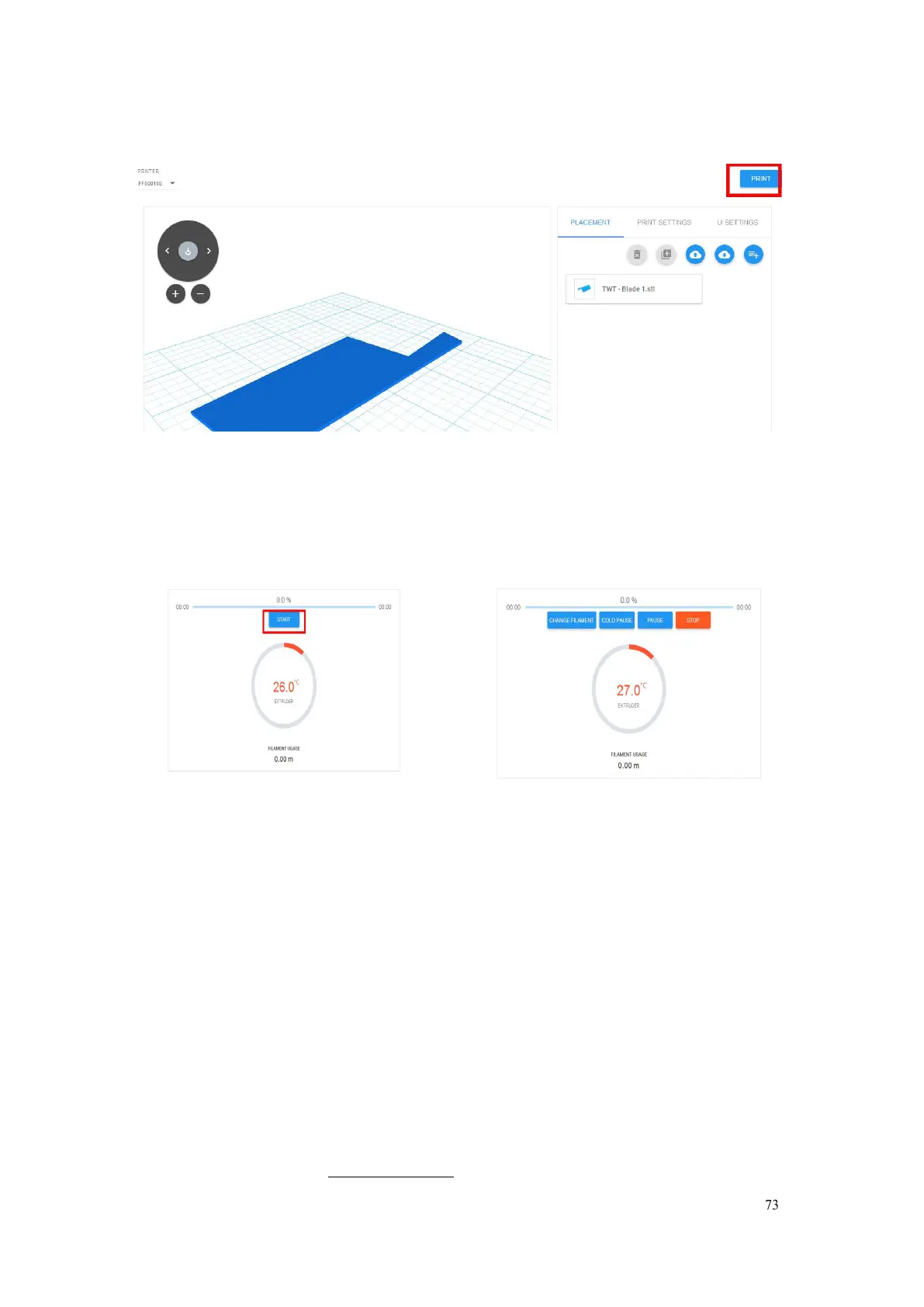
Tap【PRINT】button
Tap【START】button,the printer starts downloading printing file
automatically,after downloading completed,you can interactively operate the
printer on your computer, including Change Filament, Pause, Stop etc.
4)More than one of the Flashforge printers can be added to a Polar 3D Cloud
account, Flashforge Guider IIS series /GuiderII, Finder, InventorIIS/InventorII,
Adventurer3 printers all support Polar 3D Cloud connection. After added to
Cloud account and connected successfully, Guider IIS series printer’s camera
can be used to monitor the real-time printing status, as showed in the picture
below:















 To Next Page