Axis selector
Selects the desired axis to control.
Auto = No functionality
X = X-axis (Mast 1 for dual mast machines)
Y = Y-axis
Z = Z-axis (Mast 1 Z-axis for dual mast machines)
X2 = Mast 2 for dual mast machines
Z2 = Mast 2 Z-axis
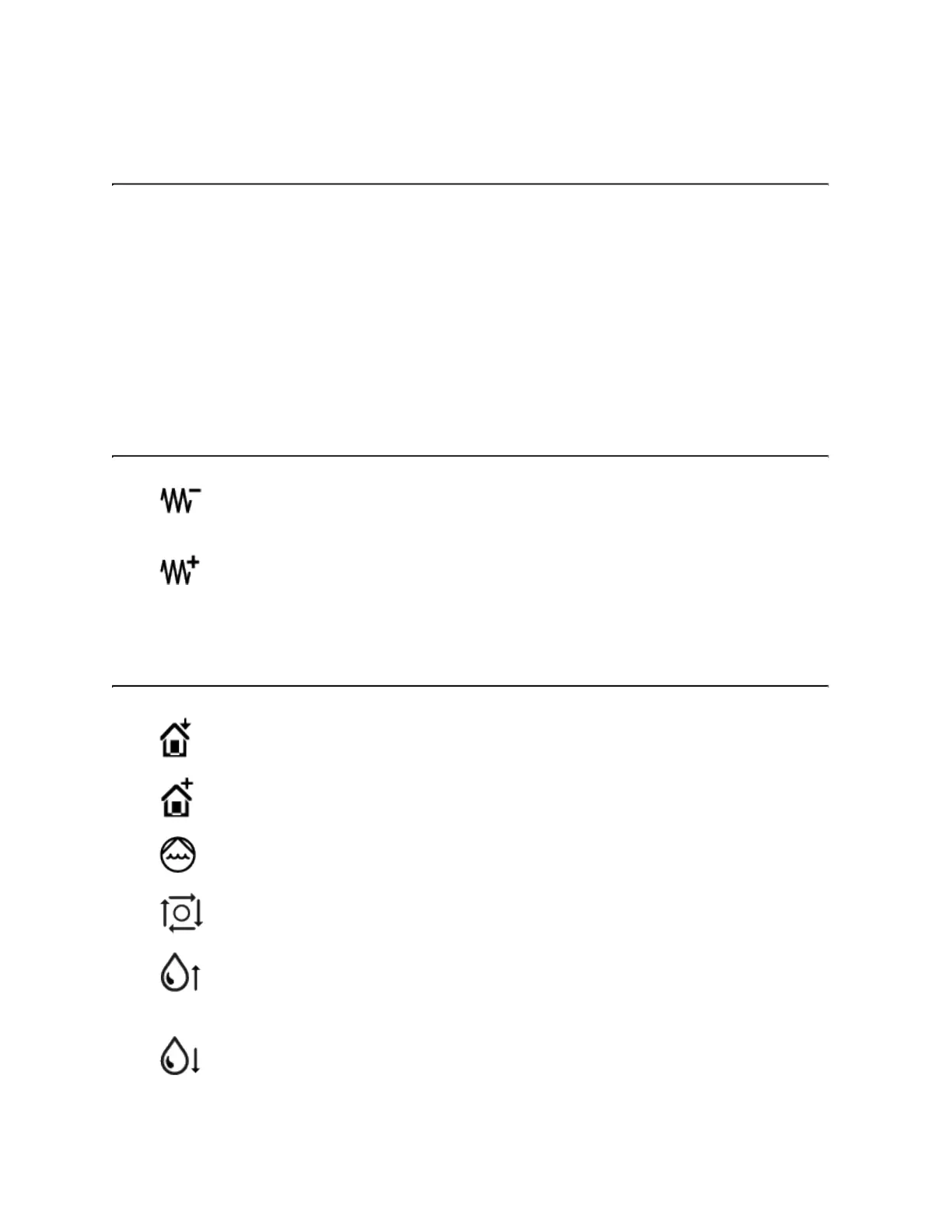
Continuous jog buttons
Moves the selected axis at a continuous jog—in the negative direction—based on the
selected jog rate.
Moves the selected axis at a continuous jog—in the positive direction—based on the
selected jog rate.
Control buttons
Sets the position of the cutting head as User Home.
Moves the cutting head to the User Home position.
No functionality
No functionality
Press and hold this button to raise the water level in the catcher tank. Release this button
when the water is at the desired level.
Press and hold this button to lower the water level in the catcher tank. Release this button
when water is at the desired level.
© 2021 Flow International Corp.
Retrieved from Flow KB on April 14, 2021 PST
Ancillary option: Remote pendant



 To Next Page