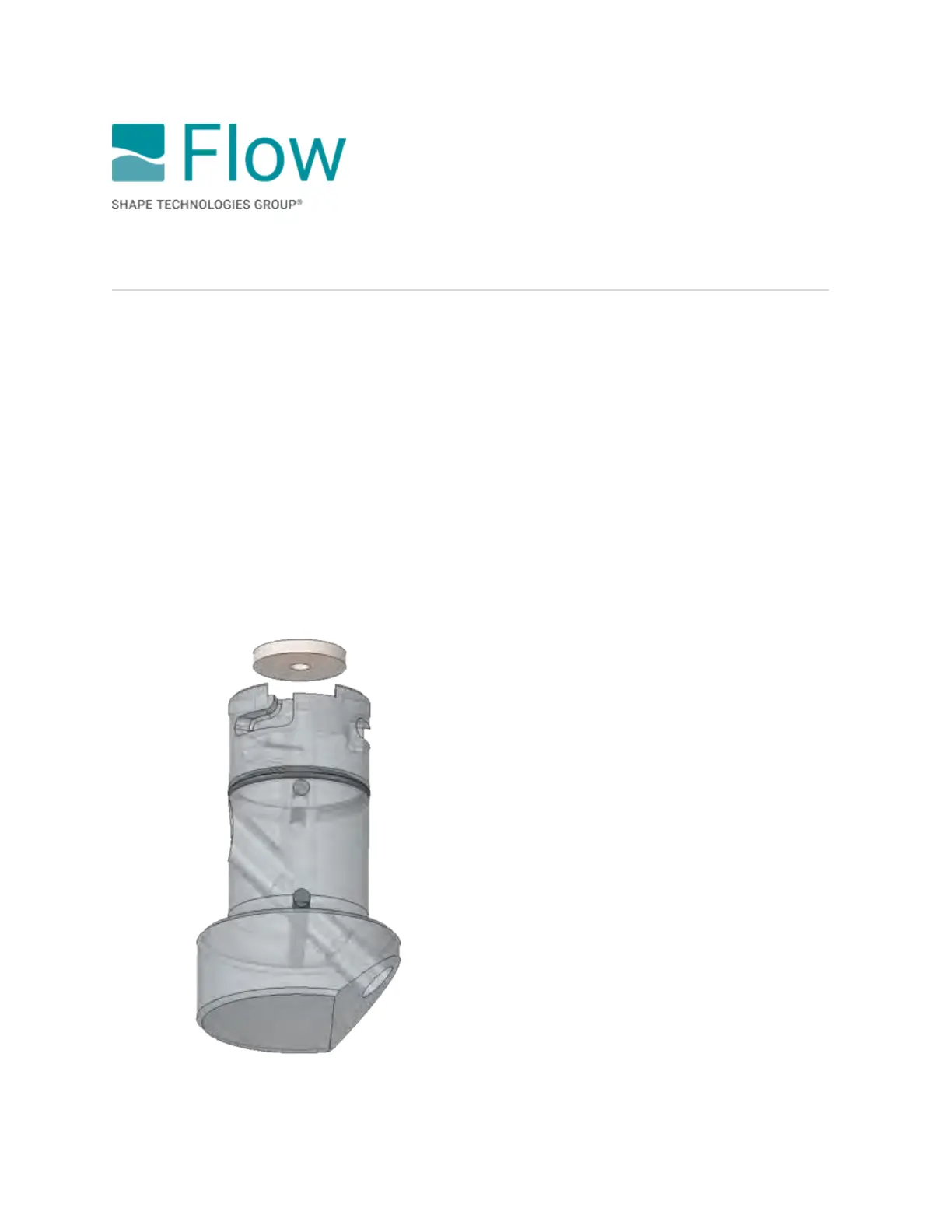
How to change the abrasive metering disk
Where used
Mach 500 · Mach 300 · Mach 200 · Mach 100
Summary
Metering disks are engineered to provide correct abrasive flow. To change the flow rate, select the
appropriate metering disk, insert it, and continue cutting.
To change the abrasive metering disk, do the following:
1. Twist the diverter clockwise, then carefully pull down to remove it from the main body.
2. Remove the metering disk from the top of the diverter. Clear off abrasive from the top of the
diverter.
3. Put a new metering disk in place, then insert the diverter into the body. Turn the diverter
counterclockwise to lock it into place.
© 2021 Flow International Corp.
Retrieved from Flow KB on April 15, 2021 PST
Abrasive metering valve maintenance



 To Next Page