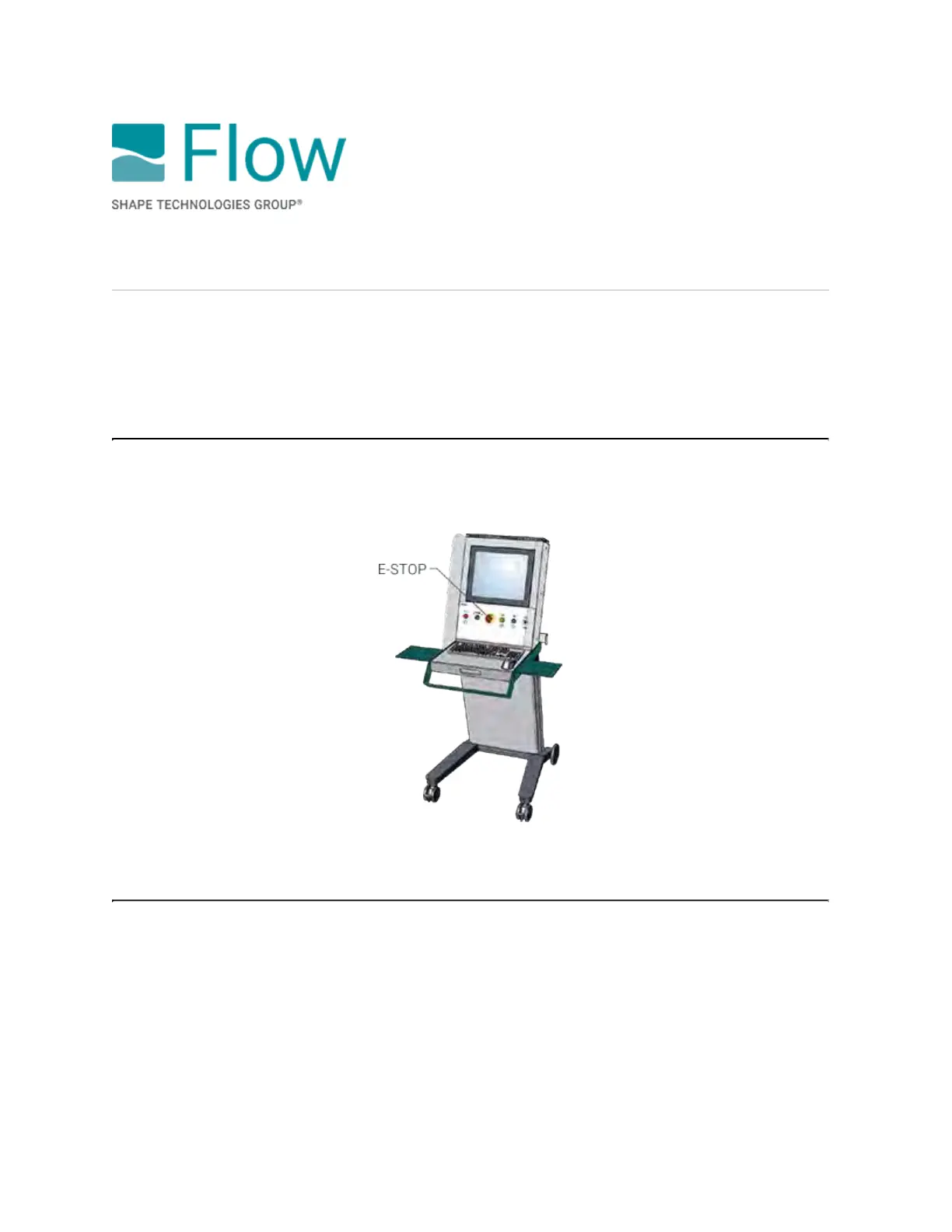
Emergency stop
Where used
Mach 500 · Mach 300 · Mach 200
To do an emergency stop
In an emergency, press the E-stop button on the roll-around console. This will disable the drives, the
high-pressure water stream, the abrasive, and the pump.
To reset after an E-stop
To reset after an E-stop, follow these steps to get back to normal operation quickly:
1. Make sure that the danger or issue that prompted the emergency stop is fixed or corrected.
2. Disengage the E-stop.
3. Click OK on the message.
4. In the FlowSENSE Diagnostics dialog box, click Acknowledge all, and then click Close.
5. Press the Reset button—the indicators will turn white.
6. Press and hold the Power button until the button illuminates green.
© 2021 Flow International Corp.
Retrieved from Flow KB on April 14, 2021 PST
Get started: Operation Basics · Mach 300



 To Next Page