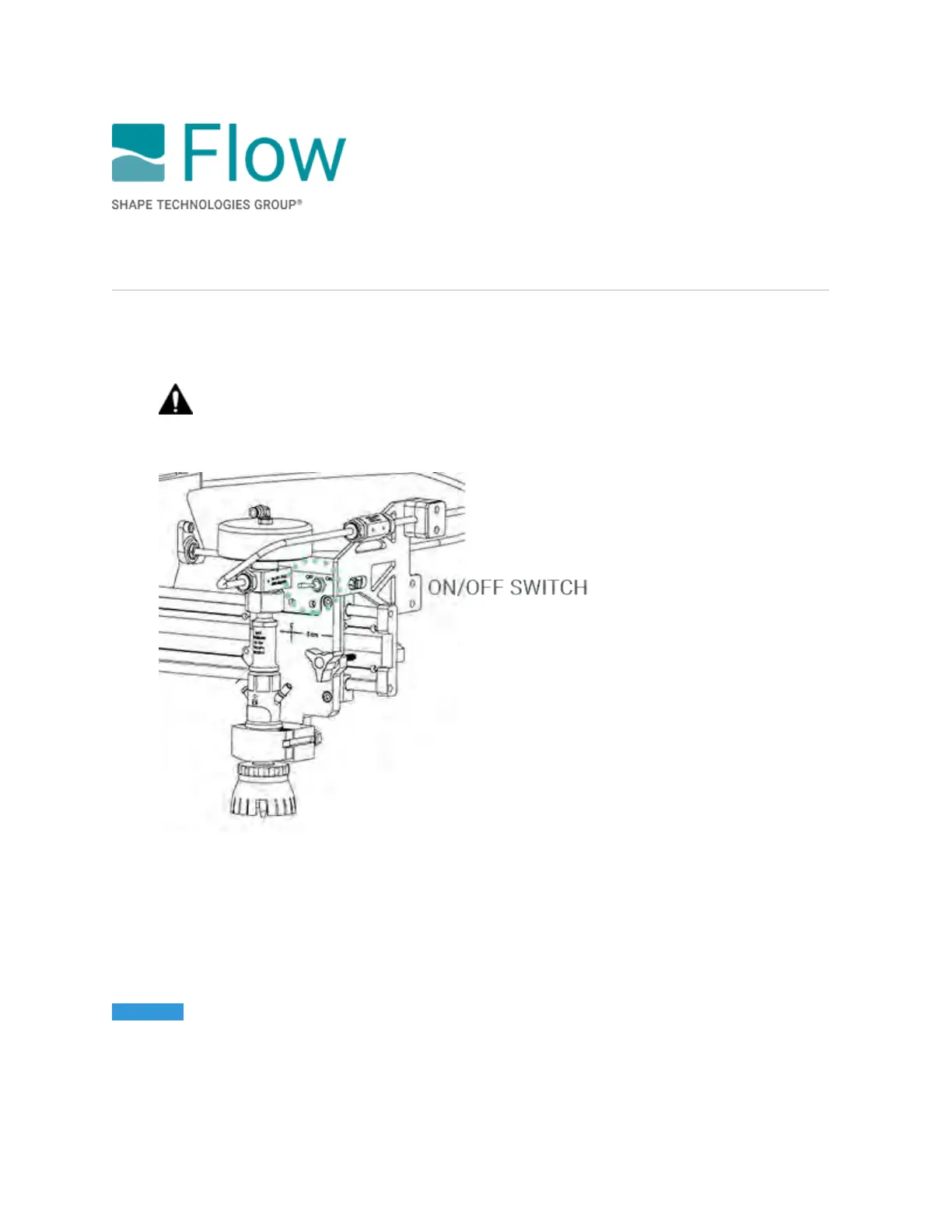
Selecting a cutting head
For water-only cutting, you must use the physical on/off switch to to enable or disable a cutting head.
You cannot select the cutting head in FlowCut.
WARNING! Before you use the switch to select a cutting head, make sure the high-
pressure water is not active and/or running a part program.
For abrasive cutting, leave the switch in the ON position, and then select which cutting heads to use in
FlowCut.
• To enable cutting head(s), select the Head 1 (left cutting head) and/or the Head 2 (right cutting
head) check box.
• To disable cutting head(s), clear the Head 1 and/or the Head 2 check box.
NOTICE It is possible to cut over the water level adjustment bladder if the cutting heads are positioned
as such. Severe damage to the machine will occur if the bladder is cut by the high-energy waterjet.
Before you run a part program, make sure the cutting head will not cut through the bladder.
© 2021 Flow International Corp.
Retrieved from Flow KB on April 13, 2021 PST
Cutting with a spreader bar



 To Next Page