Vital Signs Simulator
Non-Invasive Blood Pressure Simulation and Tests
49
To set the pulse volume:
1. Push or to highlight the Pulse Volume variable.
2. Push .
3. Push or to increase or decrease the pulse volume in 0.05 mL steps.
The pulse volume range is 0.10 mL to 1.25 mL.
4. Push to set the pulse volume and go back to the NIBP screen.
You can set the wave variable to Adult or Neonatal simulation. When set, the
pulse volume is set to the default for that simulation: 1.0 mL for Adult, 0.5 mL for
Neonatal. Afterwards, you can change the pulse volume with its own control (see
above). To set the wave variable:
1. Push or to highlight the Wave variable.
2. Push .
3. Push or to highlight Adult or Neonatal.
4. Push to set the wave and go back to the NIBP screen.
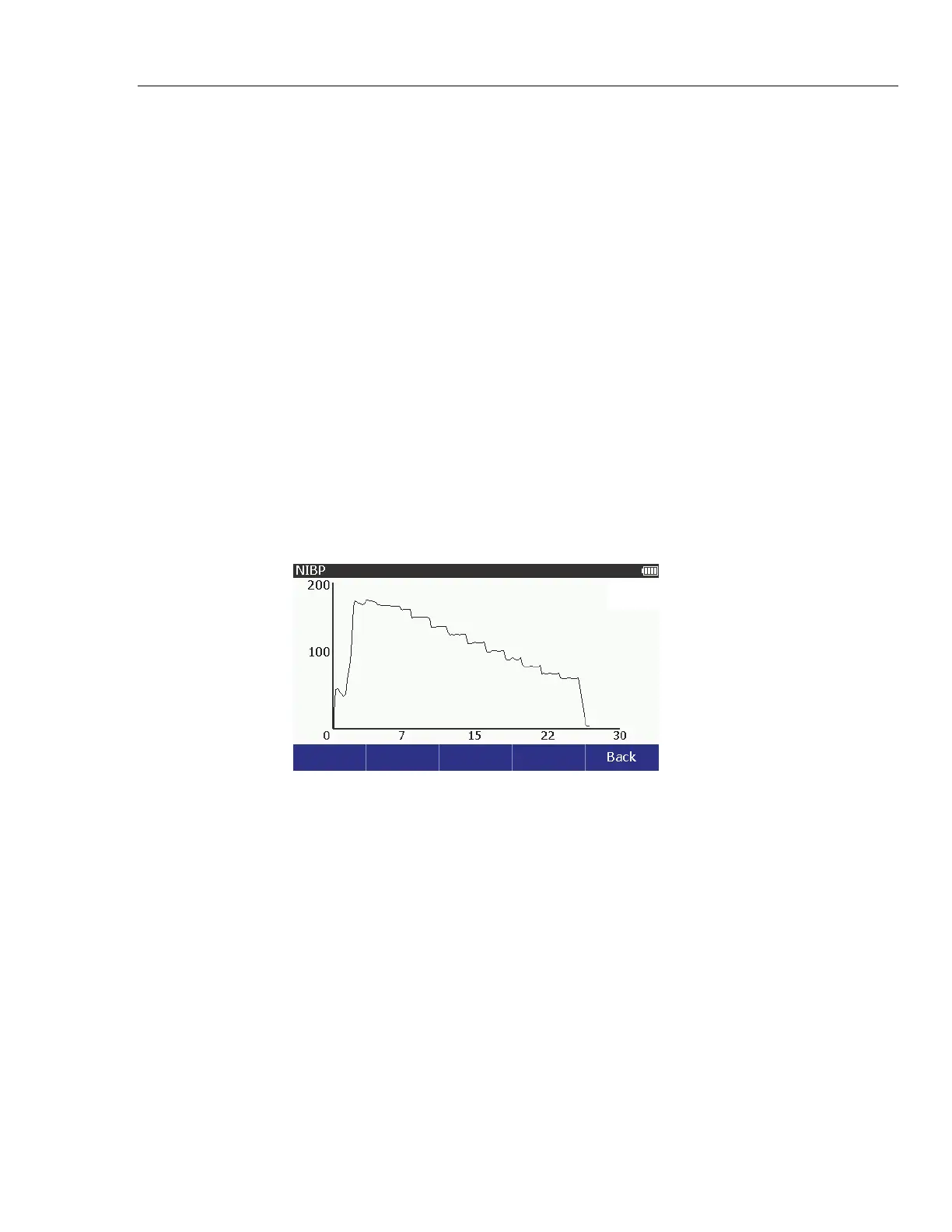
When the NIBP monitor starts the blood pressure measurement cycle, the
Product keeps the measured parameters of the measurement cycle. If the NIBP
screen shows on the display when the measurement cycle starts, a graph of
pressure versus time shows on the display. See Figure 32.
glh005.bmp
Figure 32. Blood Pressure Measurement Graph
Note
The Summary and Graph softkeys show in the NIBP screen after
you do an NIBP simulation.
To see the measured parameters of the last blood pressure measurement cycle,
push the Summary softkey in the NIBP screen. To see the graph of the last
NIBP simulation, push the Graph softkey in the NIBP screen.



 To Next Page