About Actions (for Windows Users)
127
Using the Quick Menu
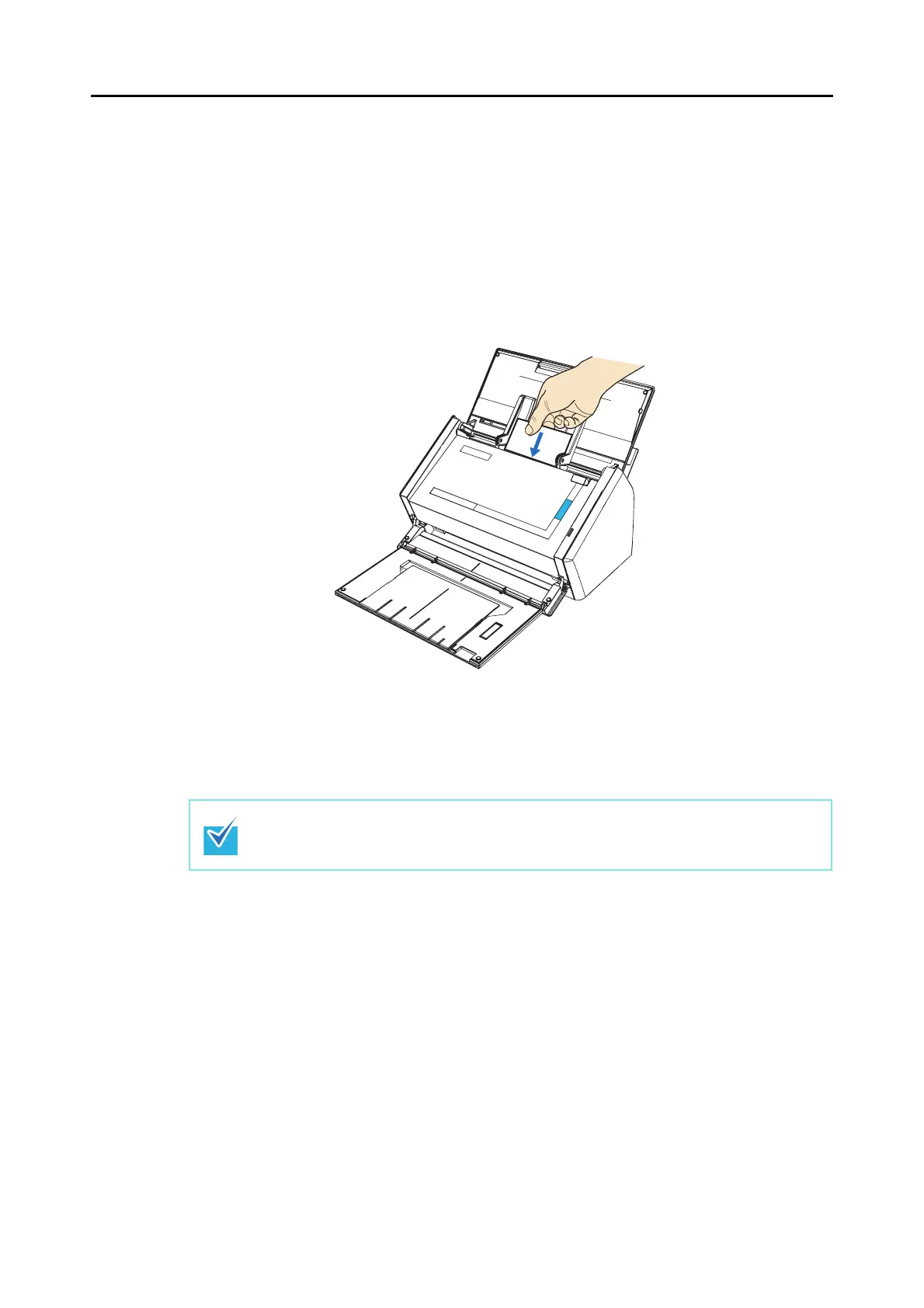
1. Load the business card into the ScanSnap.
• Load the business card so that the front side of the two-sided business card faces
the ADF paper chute (cover).
• To scan multiple business cards, load business cards in a pile.
• Move the side guides so that there is no gap between the business cards edge and
the side guide on both sides.
2. Press the [Scan] button on the ScanSnap.
⇒ Scanning is started.
⇒ When scanning is complete, the Quick Menu appears.
It is recommended to select [Auto] or [Best] for [Image quality] in the [Scanning] tab on the
ScanSnap setup dialog box. You cannot use the [Scan to CardMinder] action if [Excellent]
is selected.



 To Next Page
 Loading...










