How to Perform a Scan (for Windows Users)
54
How to Perform a Scan
This section describes how to perform a scan with the ScanSnap.
■ Preparation
1. Make sure that the power cable is connected to the ScanSnap properly.
2. Make sure that the ScanSnap is connected to your computer properly.
3. Turn your computer on.
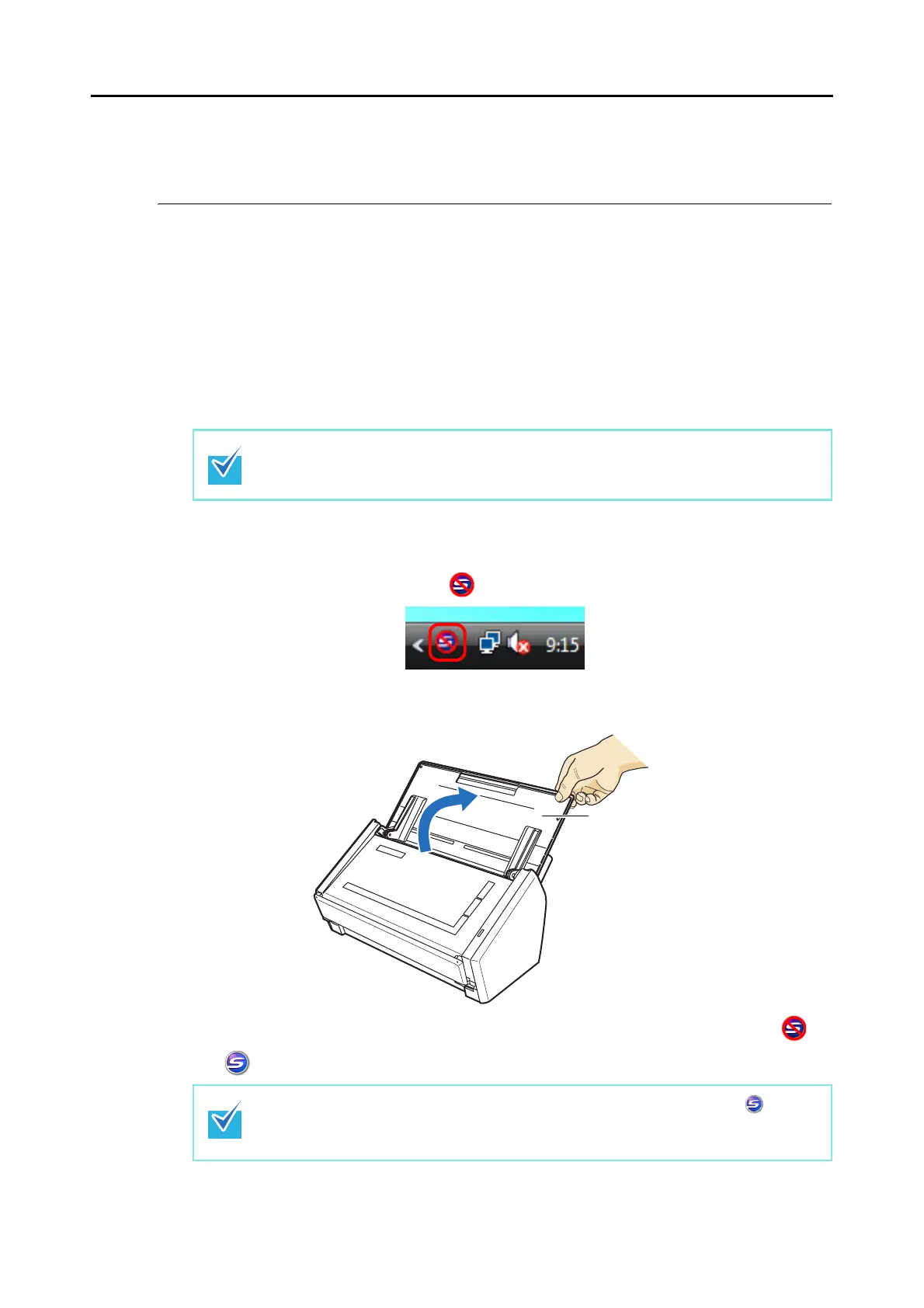
⇒ The [ScanSnap Manager] icon appears on the taskbar when Windows starts up.
4. Open the ADF paper chute (cover) of the ScanSnap.
⇒ The ScanSnap is turned on and the [ScanSnap Manager] icon changes from to
.
You can turn the computer on before connecting the ScanSnap.
When the ScanSnap is already connected to your computer, you do not have to discon-
nect and reconnect.
There may be a slight delay before the [ScanSnap Manager] icon changes to
depending on the computer load, performance, and operating environment, such as when
there are many programs running on the computer.
ADF paper chute (cover)



 To Next Page
 Loading...










