ScanSnap Manager Icon and Operations (for Windows Users)
51
ScanSnap Manager Icon and Operations
All operations on the ScanSnap are managed in ScanSnap Manager.
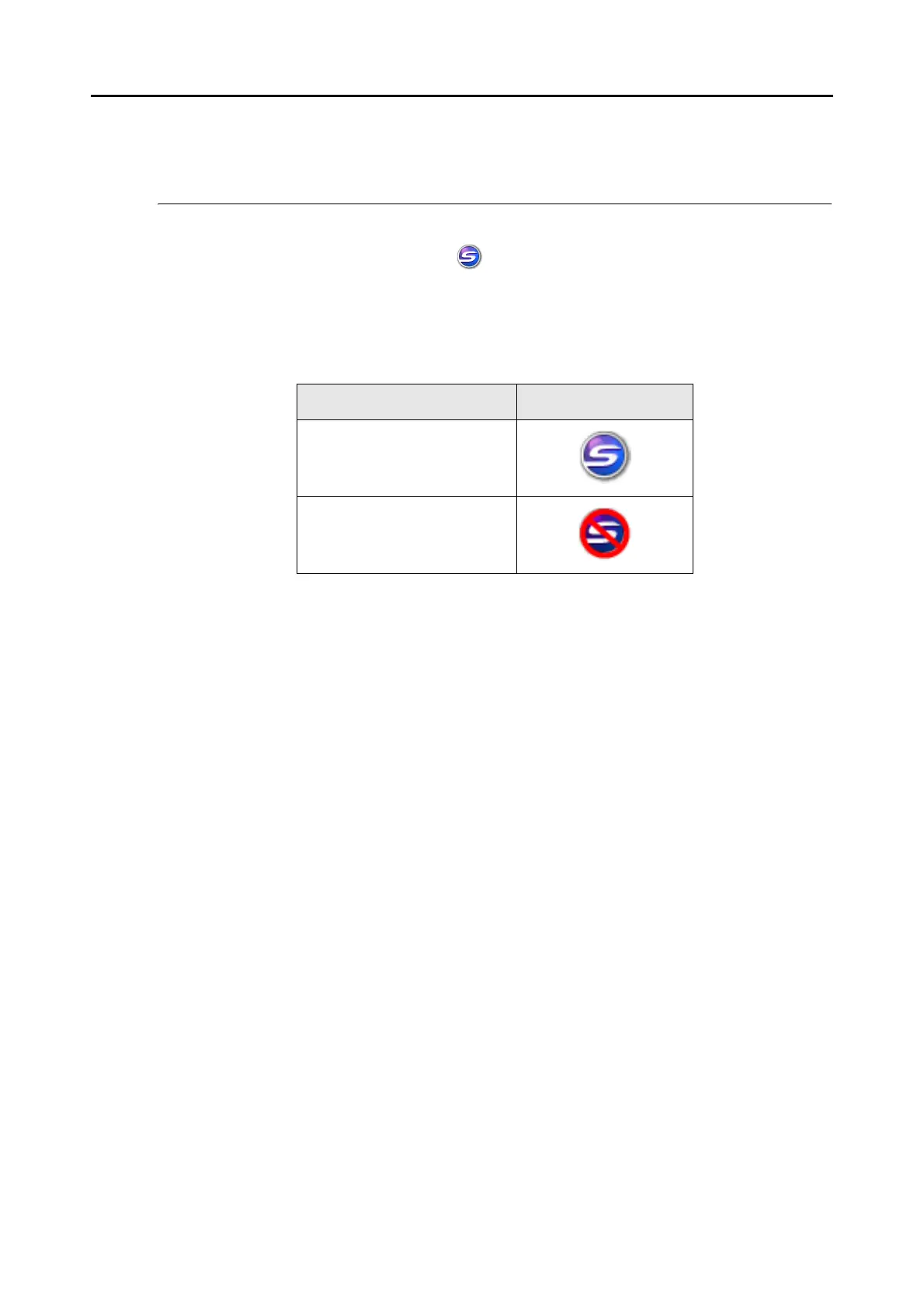
Ordinarily, the [ScanSnap Manager] icon is added to the taskbar at the lower right on the
Windows desktop. The icon appears automatically on the taskbar when Windows starts.
The icon also indicates whether ScanSnap Manager is successfully communicating with the
ScanSnap or not. The appearance of the icon changes according to the status of communica-
tion, as shown below.
Clicking this icon shows menus which you can use to start scanning, change scanning set-
tings, and check the status of consumables.
Communication Status Icon on the Taskbar
Communication is active
Communication is not active



 To Next Page
 Loading...










