Setting the ScanSnap (for Mac OS Users)
211
Changing Settings for Saved Profiles
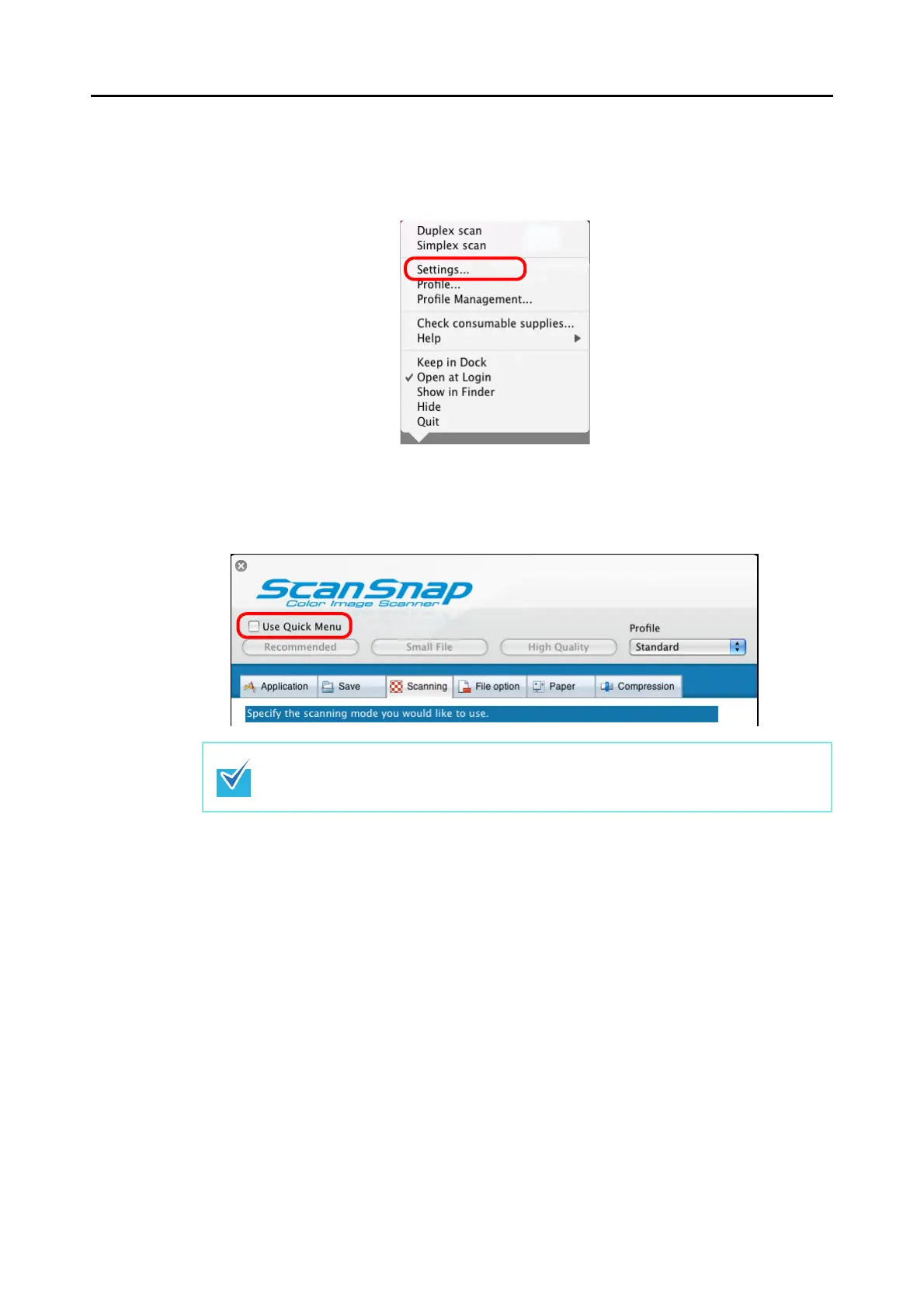
1. From the ScanSnap Manager menu, select [Settings].
⇒ The ScanSnap setup window appears.
2. Clear the [Use Quick Menu] checkbox.
This function is not available when the [Use Quick Menu] checkbox is selected.



 To Next Page
 Loading...










