Setting the ScanSnap (for Mac OS Users)
219
■ Automatic Interaction with Applications
Cardiris can automatically interact with the ScanSnap upon startup.
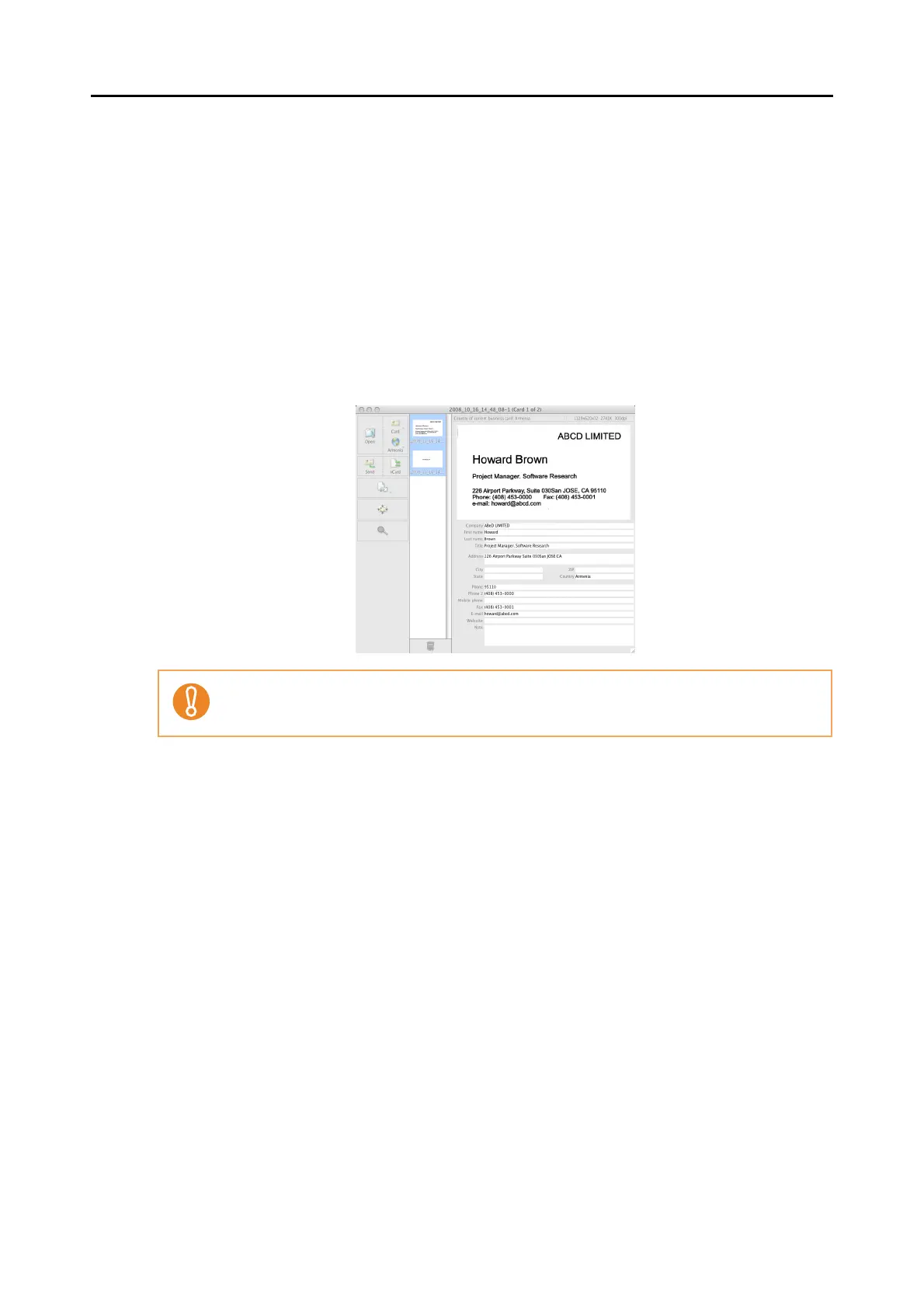
When you scan card images by pressing the [Scan] button while Cardiris is active (while the
menu is Cardiris) and its window is brought to the front, the ScanSnap automatically interacts
with Cardiris, in which the scanned card image is displayed.
Even when the ScanSnap is in Quick Menu mode, the Quick Menu does not appear after
scanning; the ScanSnap automatically interacts with the active application, in which the
scanned document image is displayed.
When the application becomes inactive or it is deselected, the ScanSnap no longer interacts
with the application.
Business cards are scanned with the currently specified scanning settings.



 To Next Page
 Loading...










