Setting the ScanSnap (for Mac OS Users)
218
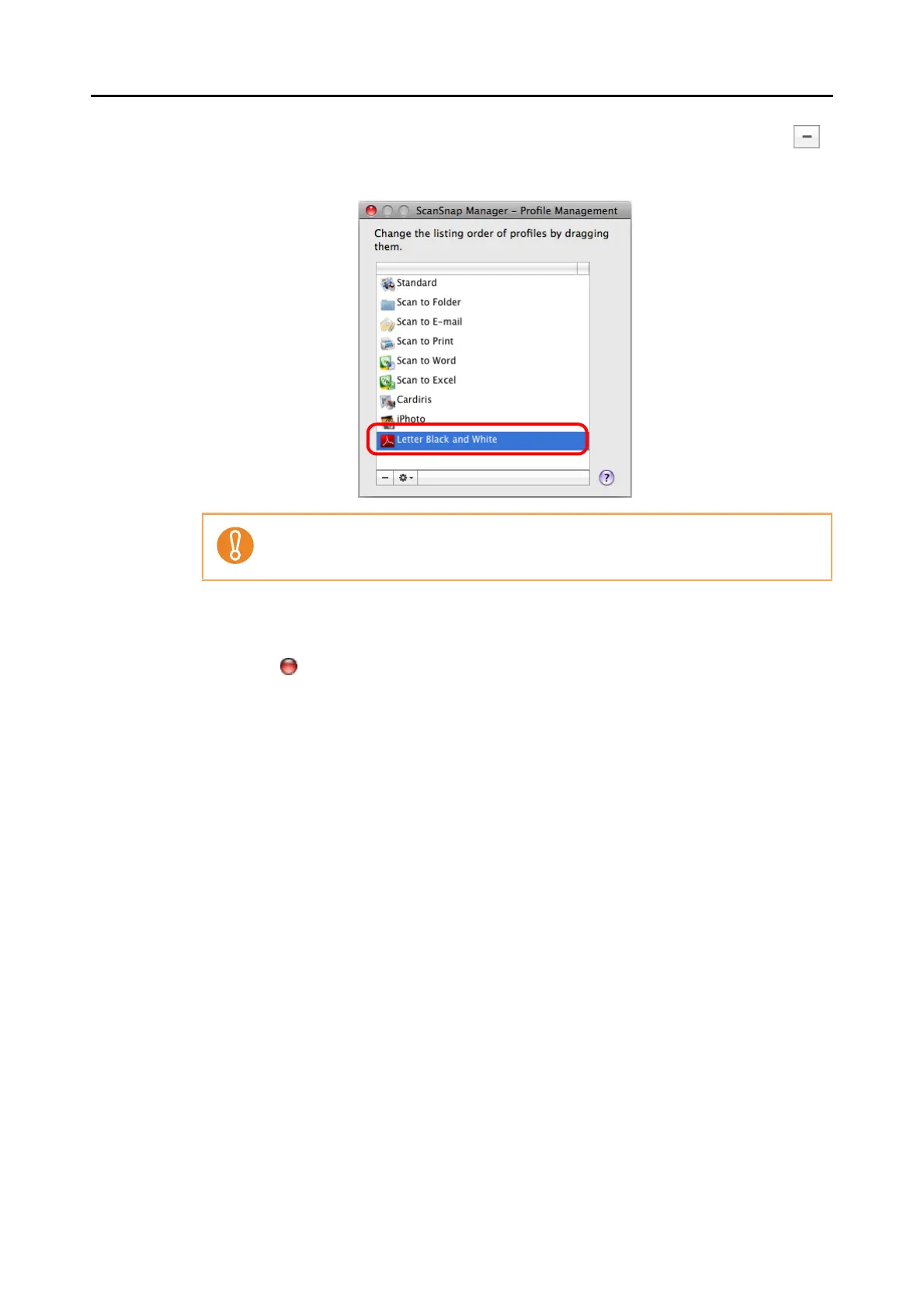
4. Select the profile you want to delete from the list, and then click the [ ]
button.
⇒ The selected profile is deleted.
5. Click the [ ] button in the upper left corner of the window or press the
[esc] key to close the [ScanSnap Manager - Profile Management] win-
dow.
The [Standard] profile cannot be deleted.



 To Next Page
 Loading...










