Replacing the Pick Roller
339
Replacing the Pick Roller
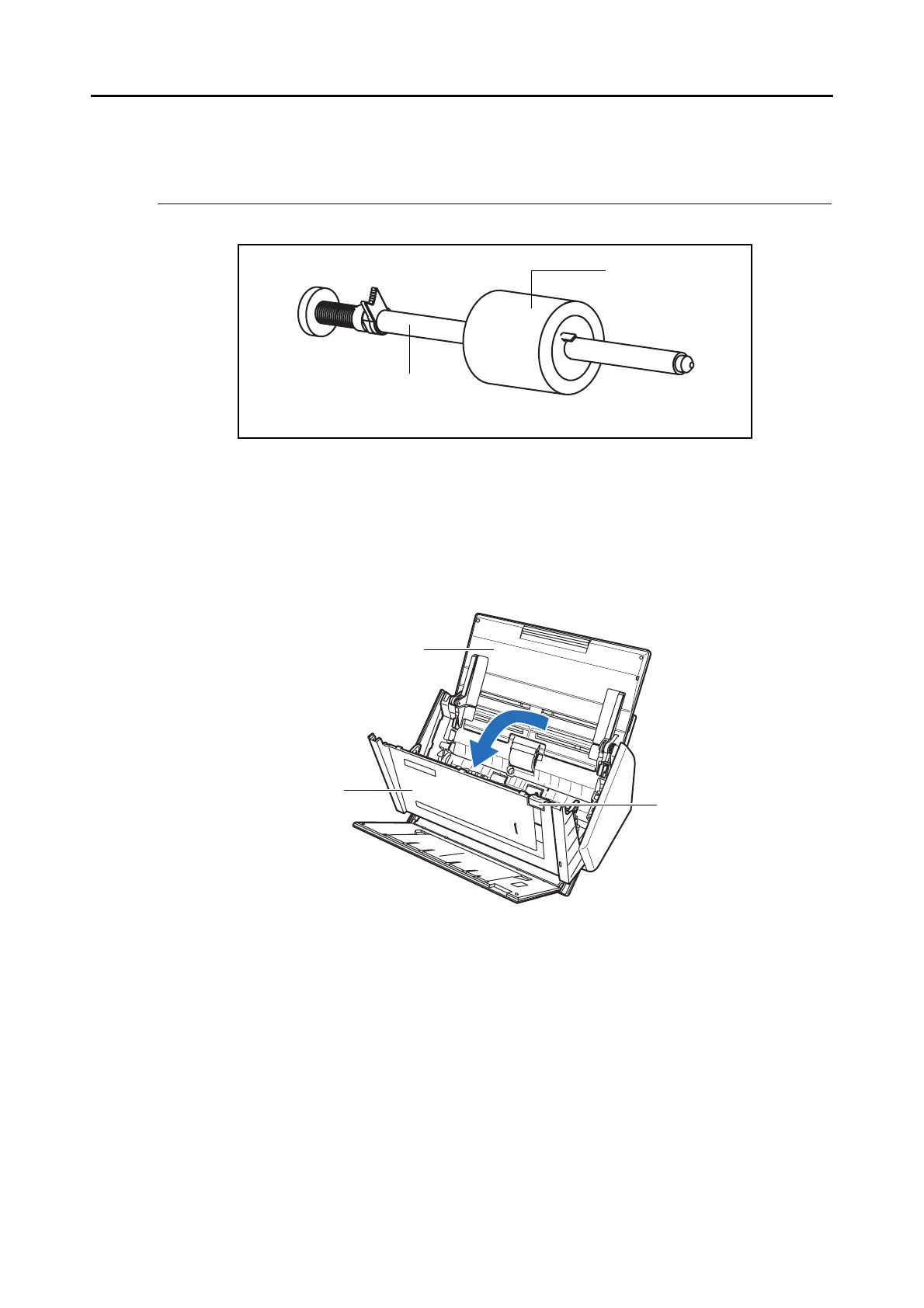
Replace the pick roller by first removing the pick roller from the ScanSnap.
Replace the pick roller following the procedure below.
1. Remove the documents on the ADF paper chute (cover).
2. Pull the ADF release catch to open the ADF top section.
Shaft
Pick roller
ADF release
catch
ADF top section
ADF paper chute (cover)



 To Next Page
 Loading...










