About Actions (for Windows Users)
87
■ Saving Data in the Specified Folder
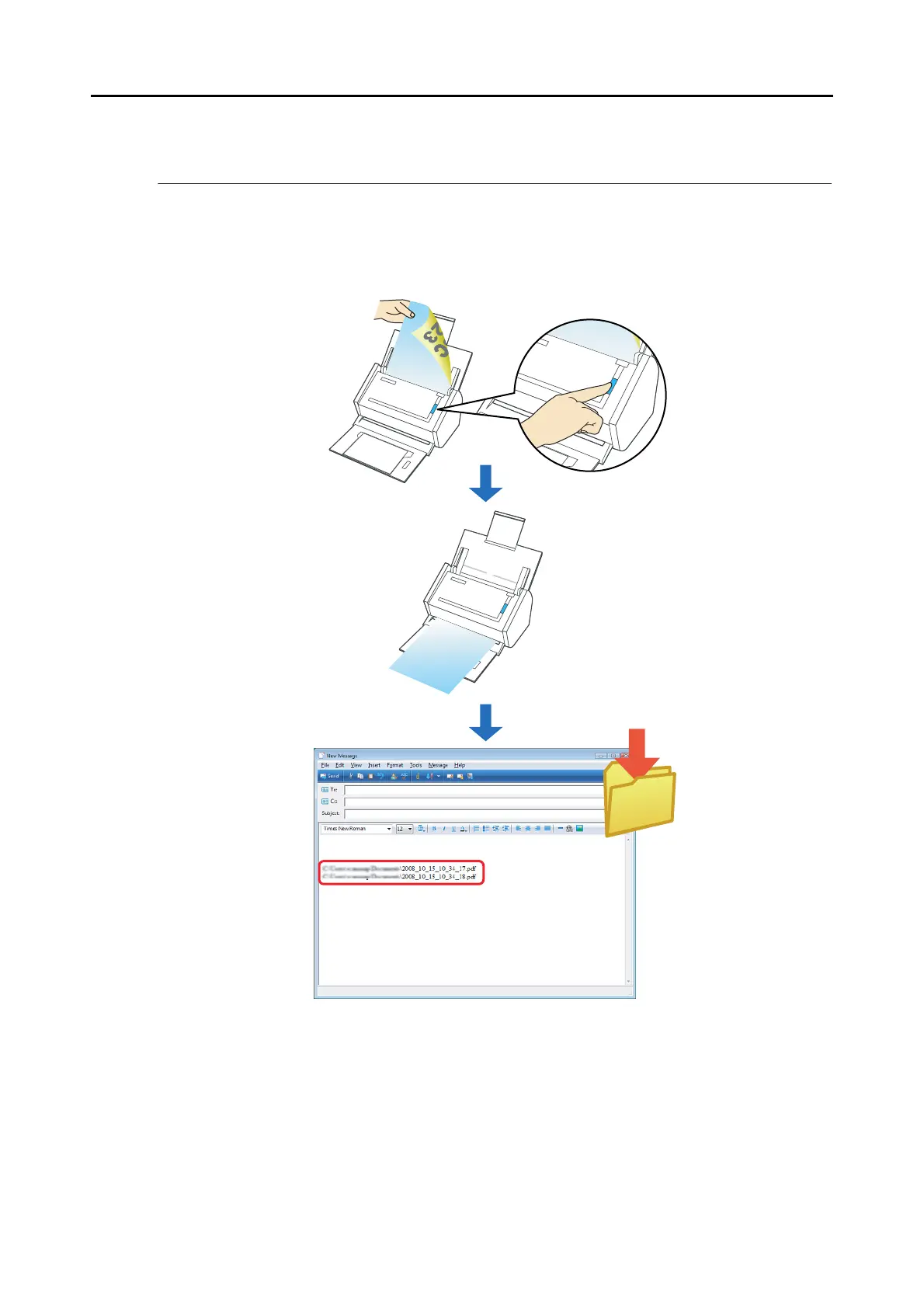
This section describes how to save the scanned image data in a shared folder. By using this
action, you can save the scanned image data in a networked folder to share information
among group members. In addition, all members are informed of the destination folder path by
an e-mail message automatically created with the path stated.



 To Next Page
 Loading...










