Using the ScanSnap in Various Ways (for Windows Users)
162
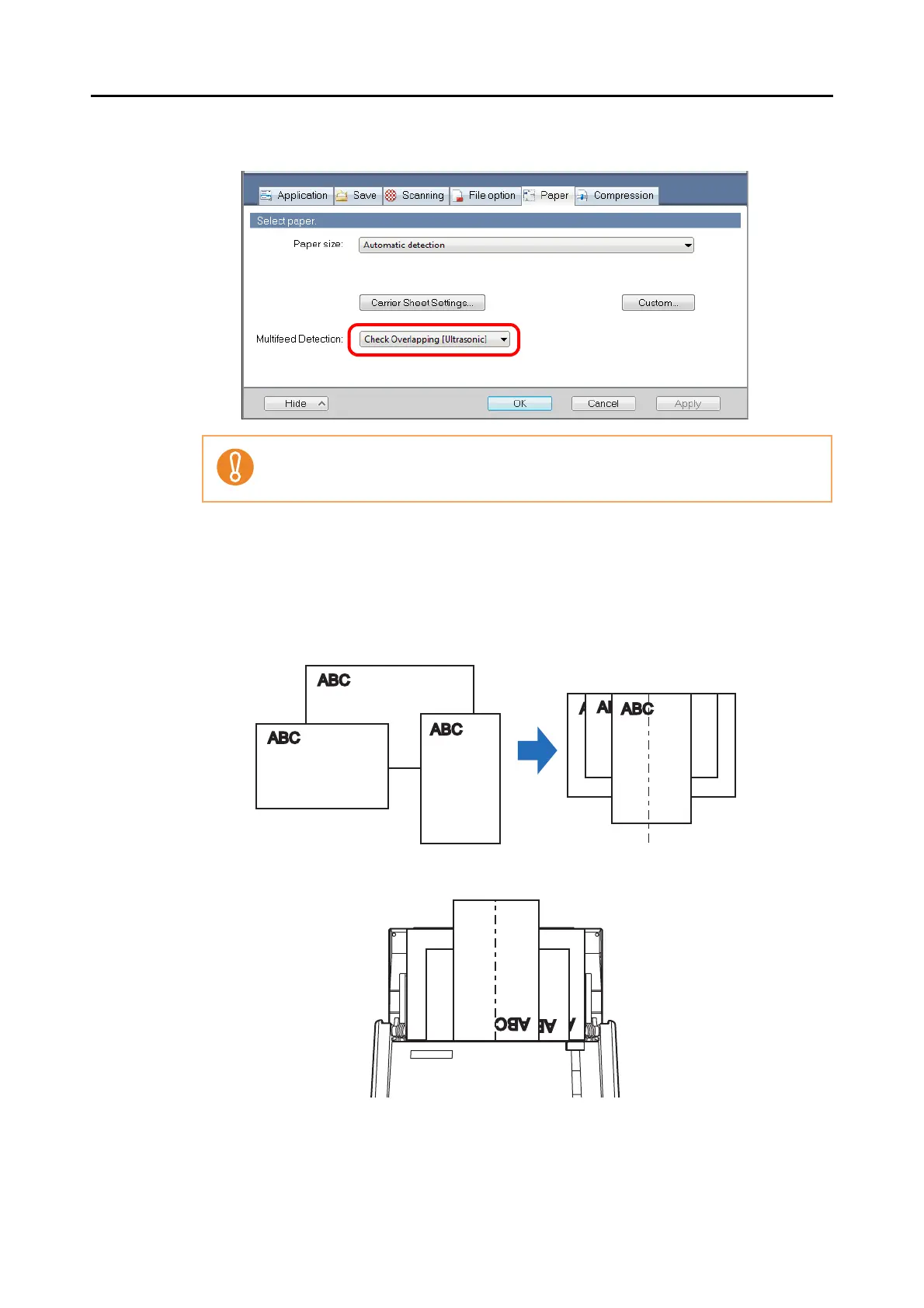
3. Select an option other than [Check Length] in [Multifeed Detection].
4. Click the [OK] button to close the ScanSnap setup dialog box.
5. Load the document into the ScanSnap.
1. Align the edge of all documents.
2. Place the document on the center of the ADF paper chute (cover).
Scanning documents of different widths or sizes at the same time with [Check Length]
selected, results in a scanning failure due to a multifeed error detection.



 To Next Page
 Loading...










