How to Perform a Scan (for Mac OS Users)
193
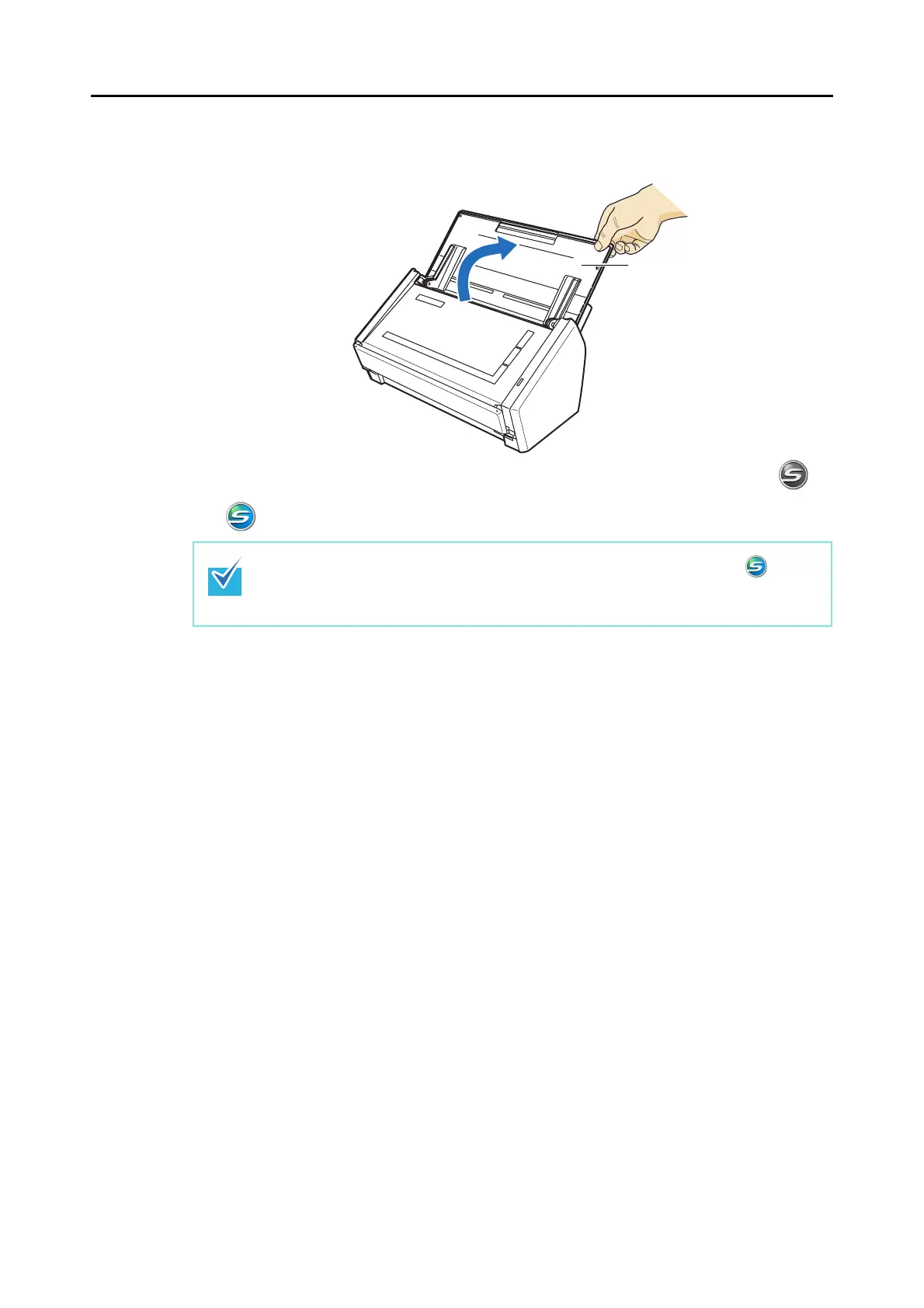
4. Open the ADF paper chute (cover) of the ScanSnap.
⇒ The ScanSnap is turned on and the [ScanSnap Manager] icon changes from to
.
There may be a slight delay before the [ScanSnap Manager] icon changes to
depending on the computer load, performance, and operating environment, such as when
there are many programs running on the computer.
ADF paper chute
(cover)



 To Next Page
 Loading...










