Troubleshooting for Multifeed
311
⇒Scanning is started.
When scanning is complete, the image data is saved.
• If it is not necessary to continue scanning, press the [Quit] button, and select [No] on
the message dialog box/window that appears.
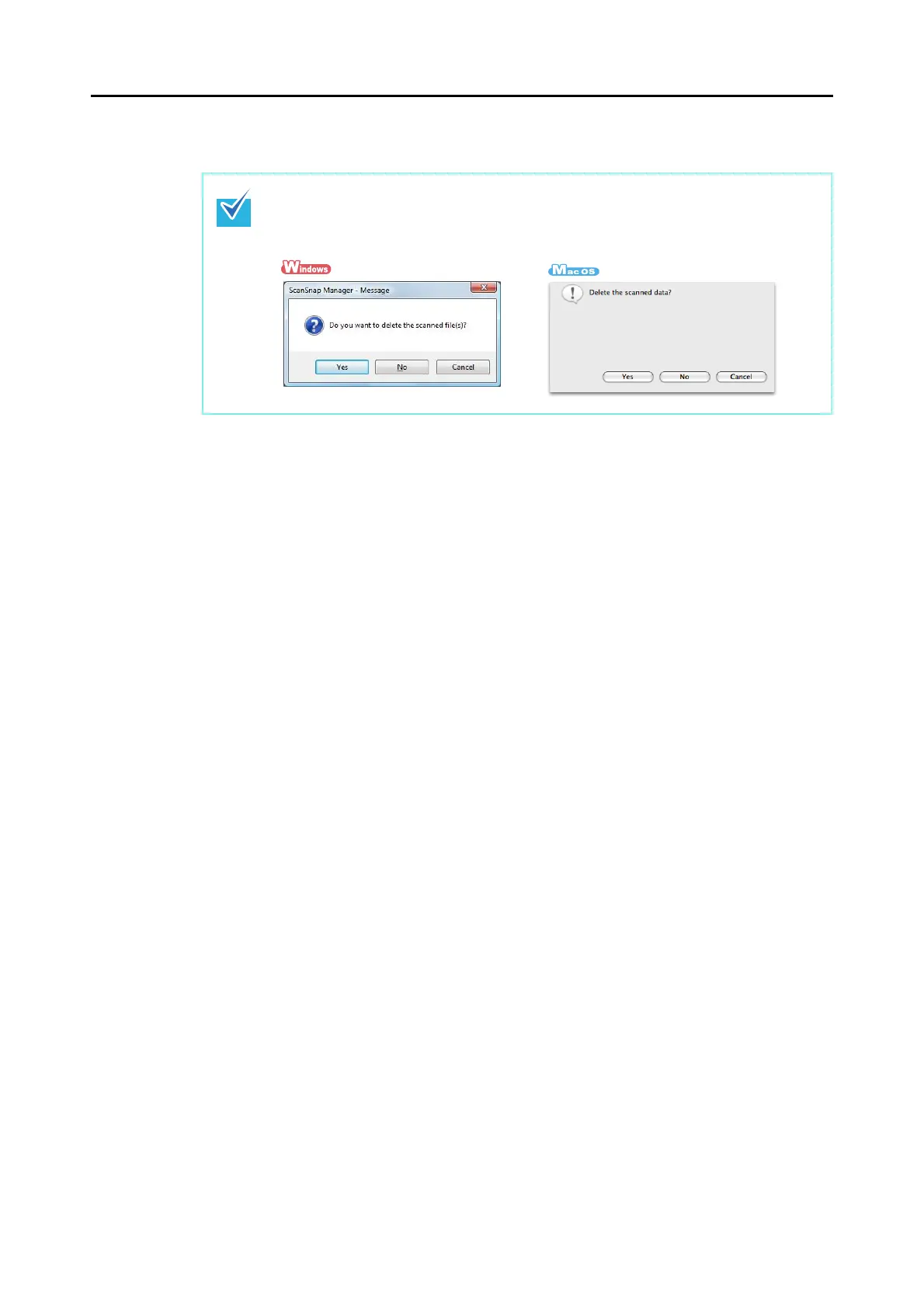
• To quit scanning and delete the image data, press the [Quit] button, and select [Yes]
on the following dialog box/window that appears.



 To Next Page
 Loading...










