Updating ScanSnap Manager
354
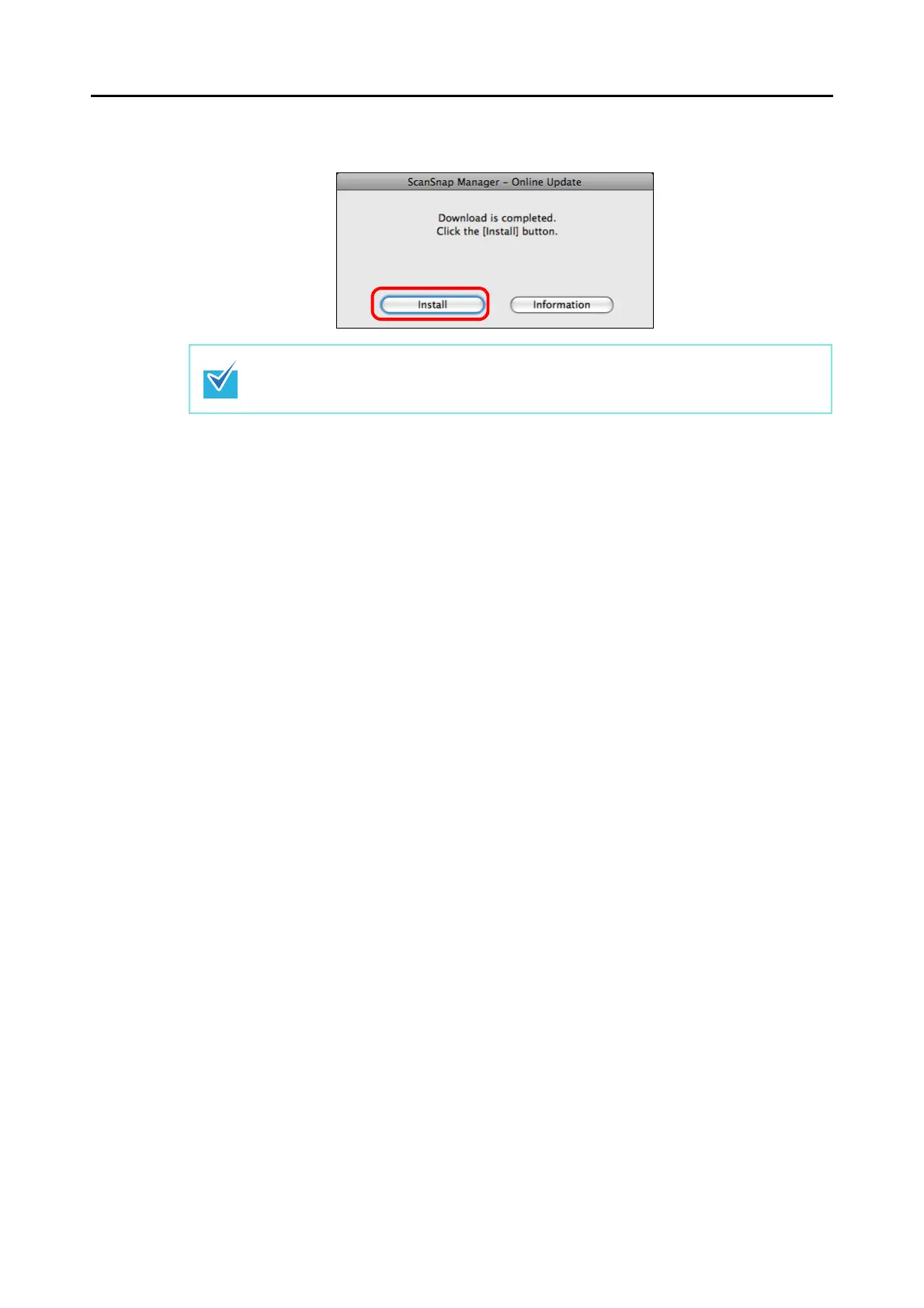
5. Click the [Install] button.
⇒ The ScanSnap Manager installer starts.
Follow the instructions on the screen to install.
When you click the [Information] button, the browser opens and information about the lat-
est update for ScanSnap Manager appears.



 To Next Page
 Loading...










