About Actions (for Windows Users)
98
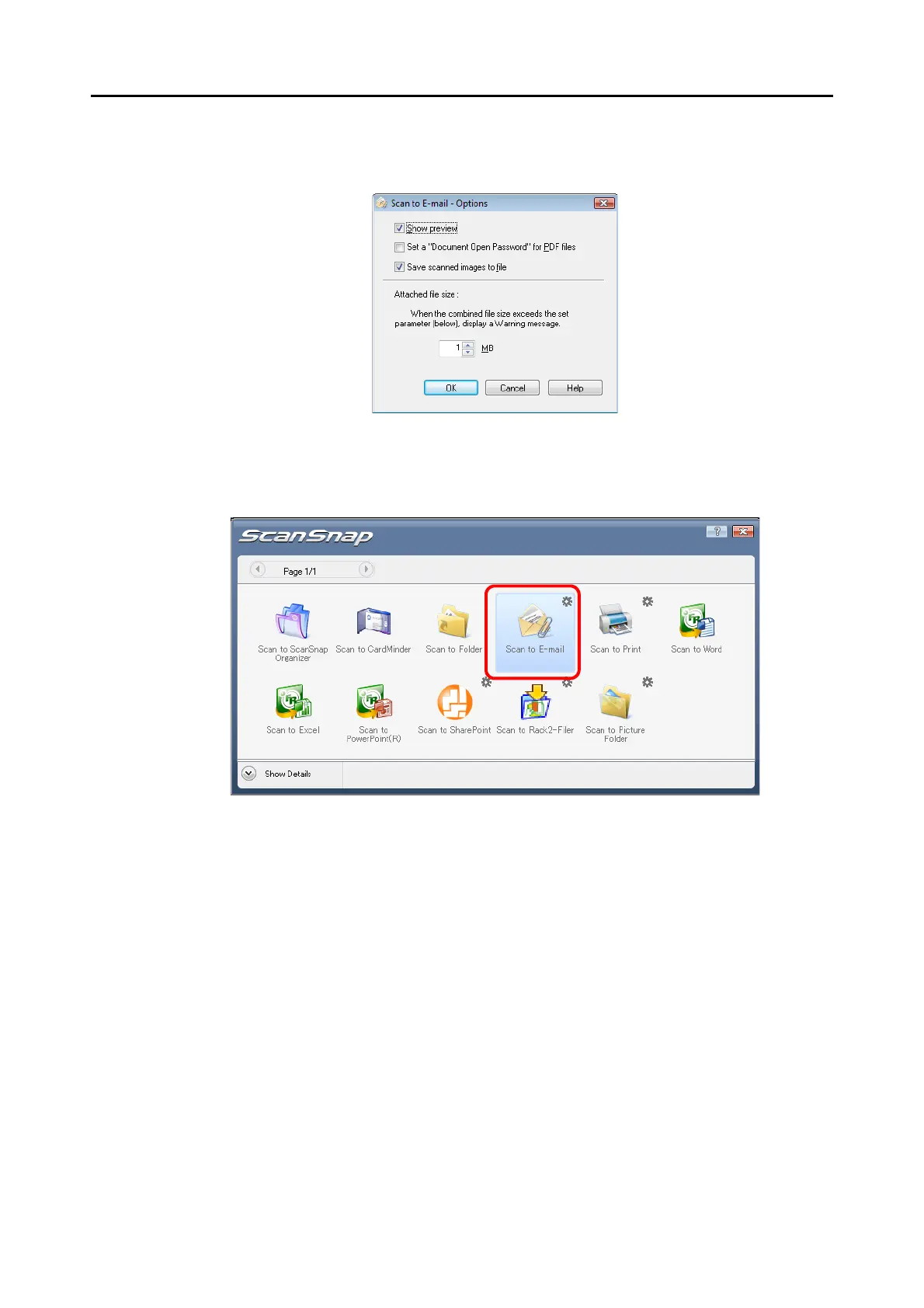
2. Change settings.
For details about the [Scan to E-mail - Options] dialog box, refer to ScanSnap
Manager Help.
3. Click the [OK] button to close the [Scan to E-mail -Options] dialog box.
4. Click the [Scan to E-mail] icon.
⇒
The [Scan to E-mail] dialog box appears.
When you have cleared the [Show preview] check box in Step 3., an e-mail program
starts, and the files are attached to an e-mail message.


 To Next Page
 Loading...











