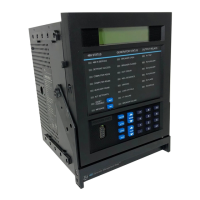
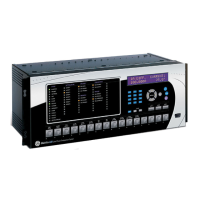
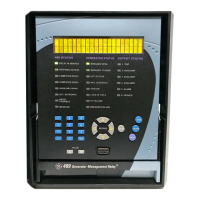
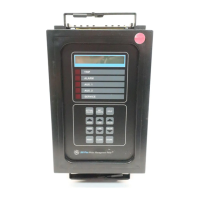
GE Power Management 269Plus Motor Management Relay 8-
1
8 269PC SOFTWARE OVERVIEW
8
269 PLUS INSTRUCTION MANUAL 8 269PC SOFTWARE 8.1 OVERVIEW
The 269PC software, provided with every 269Plus relay, allows easy access to all relay setpoints and actual
values via a personal computer running Windows
®
3.1/95 or higher and one of the PC’s RS232 ports: COM1
or COM2. With 269PC, the user can:
• Program/modify setpoints
• Load/save setpoint files from/to disk
• Read actual values
• Monitor status
• Plot/print/view trending graphs of selected actual values
• Get help on any topic
The regular 269 relay does not support communications. Therefore, the 269PC software can only be used with
a 269Plus relay. The 269PC software can be used “stand-alone”, without a 269Plus relay, to create or edit
269Plus setpoint files.
8.2 HARDWARE & SOFTWARE REQUIREMENTS
The configuration listed is for both a minimum configured and an optimal configured system. Running on a min-
imum configuration causes the performance of the PC program to slow down.
• Processor: minimum 486, Pentium recommended
• Memory: minimum 4 MB, 16 MB or higher recommended, minimum 540 K of conventional memory
• Hard Drive: 20 MB free space required before installation of software
WINDOWS 3.1/3.11 CONSIDERATIONS:
• Installation of SHARE.EXE required.
• Do not run other applications (spreadsheet or word processor) before running the software to eliminate
any problems because of low memory.
8.3 TOOLBAR SUMMARY
Opens the Help window
Sends the current file to the printer
Sets the communications parameters
Saves the current file to disk
Open an existing file
Open a new file
Opens the Popup Currents window
Hang up
Modem Dial


 To Next Page