ActionStep
In the Connect to systems dialog:2
•
Select the checkbox in front of the system name.
•
To control the selected system, click Control.
•
Click OK.
Result: The instrument control panel displays a white, rapidly flashing light followed by
a steady white light when the system is ready. The selected instrument can now be
controlled by the software.
Note:
Instruments that are turned off or disconnected from the network appear dimmed and
cannot be connected.
Tip:
To view the users currently connected to systems, either in control or view mode, click the
Connected Users button.
Tip:
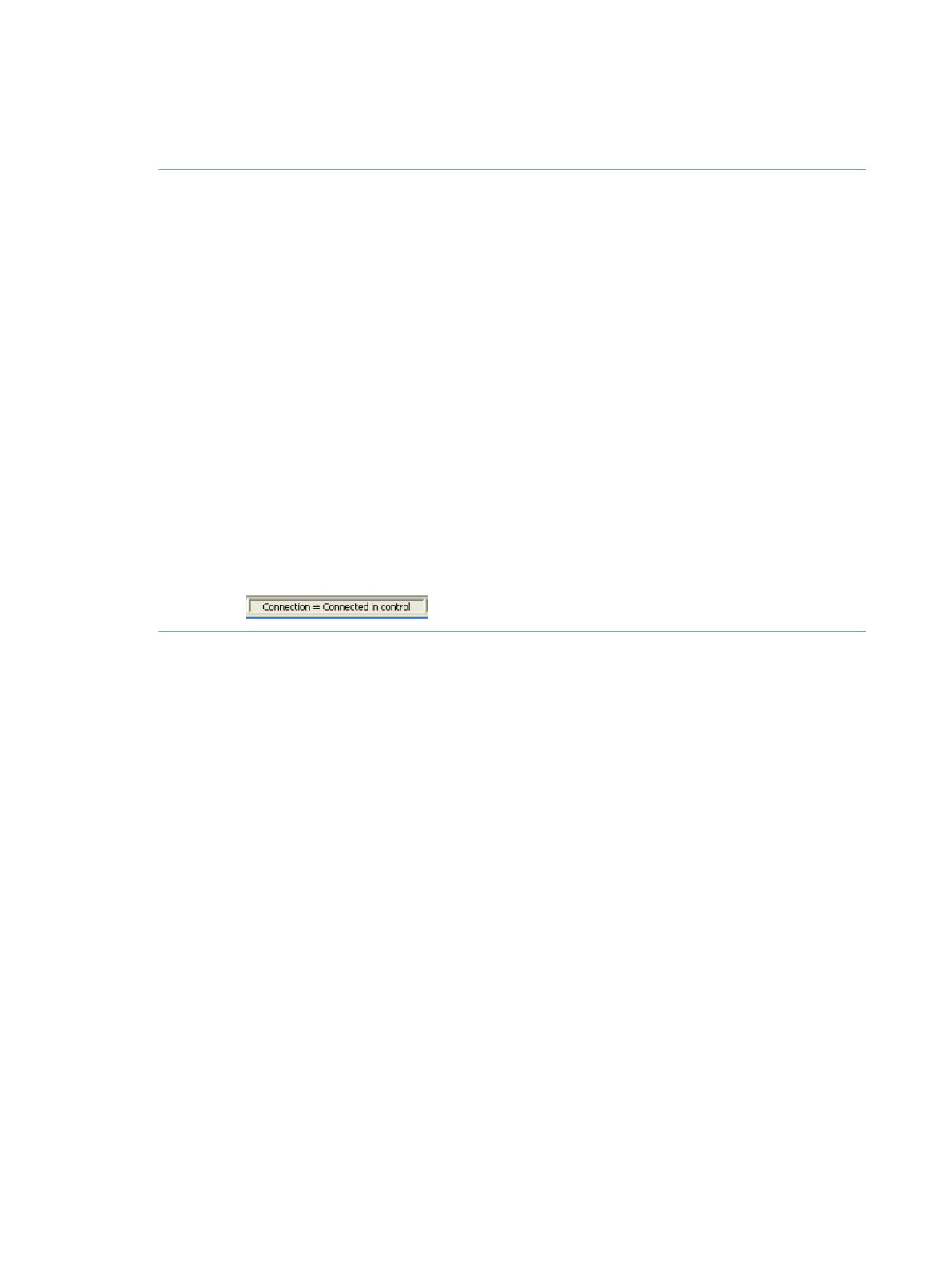
Result: UNICORN states Connection = Connected in control or Connection = Connected
in view in the status bar in the lower part of the System Control window.
.
160 ÄKTA pure User Manual 29119969 AB
5 Operation
5.3 Start UNICORN and connect to system



 To Next Page