Operation
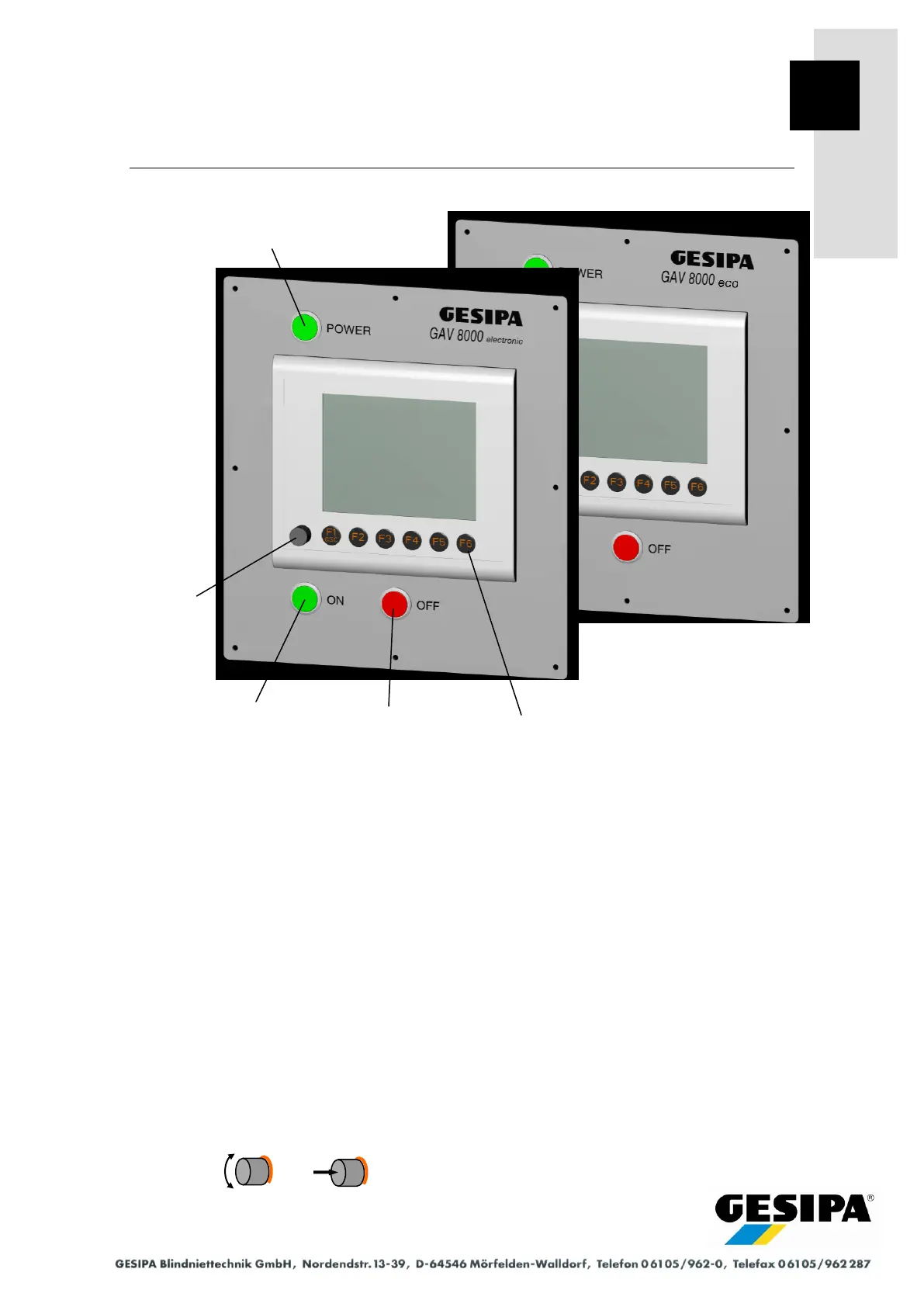
8.1 Operating Controls
1. POWER switch (master switch)
- connects the power supply (230 V/50 Hz or 110 V/60 Hz).
- lights green.
2. ON button
- activates various control functions (depending on the display menu).
- sets GAV to home position.
- lights green.
3. OFF button
- deactivates various control functions (depending on the display menu).
- safely isolates all valves from the power supply.
- lights red.
4. Function buttons F1..F6
- execute various functions (depending on the display menu).
- light orange.
5. Rotary knob / OK button
- executes various functions (depending on the display menu).



 To Next Page