Operation
8.2 Graphic Display
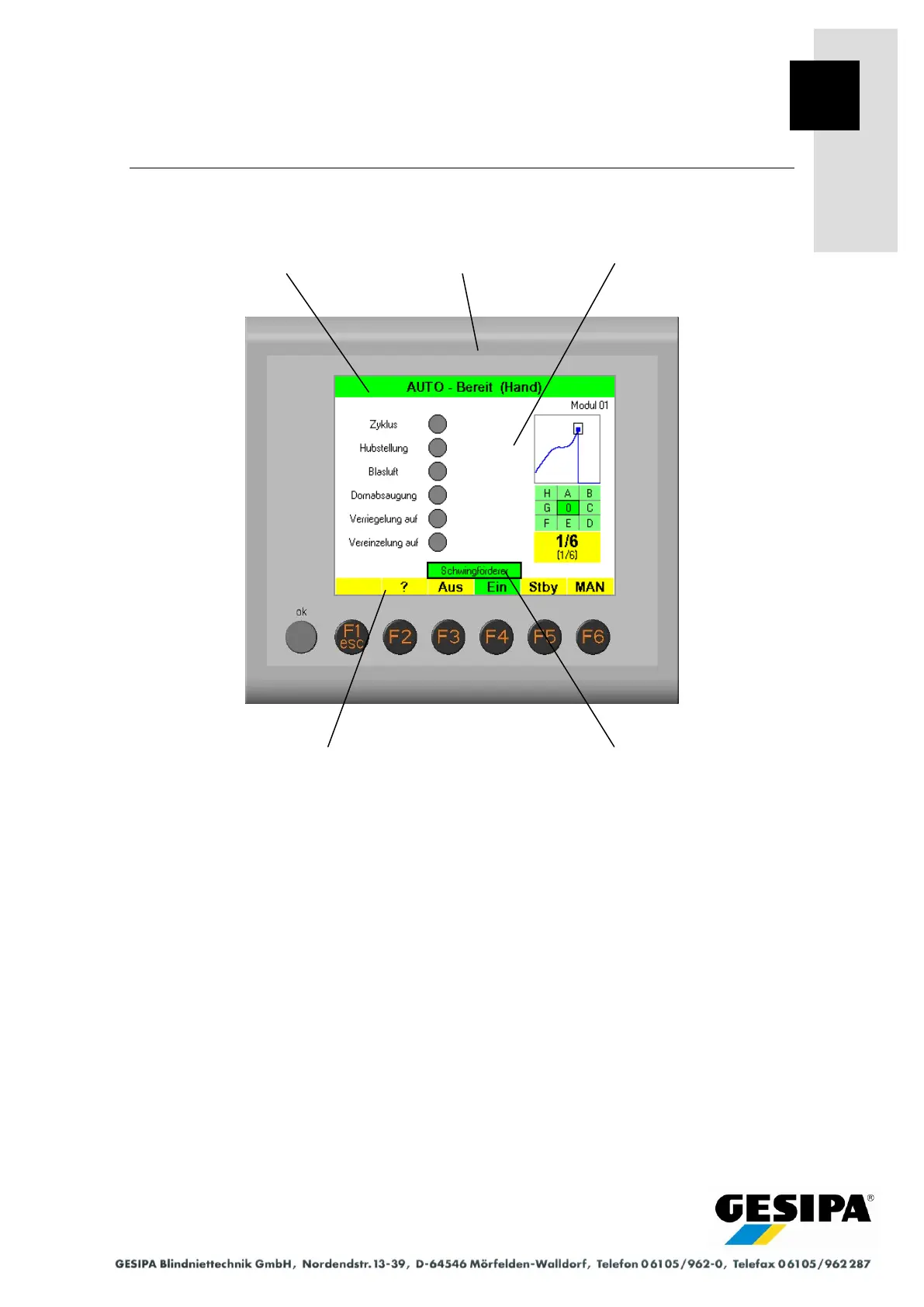
The graphic display is part of the dialogue unit and enables interactive operation of the GAV de-
vice. The graphic display shows statuses and parameters, displays messages and visualises in-
ternal procedures. Uniform display elements and a clear menu structure ensure user-friendly
operation.
1. The title bar of the graphic display shows information relating to the current menu.
2. The function bar of the graphic display is divided into 6 fields and shows the functions of
the function buttons F1 to F6 assigned to the current menu.
3. Functions can be selected within the menu with the rotary knob of the dialogue unit and exe-
cuted by pressing the rotary knob. The selection is highlighted by an additional frame about
the corresponding element.



 To Next Page