11.6 Creating Profile List
Process Monitoring
11.6 Creating Profile List
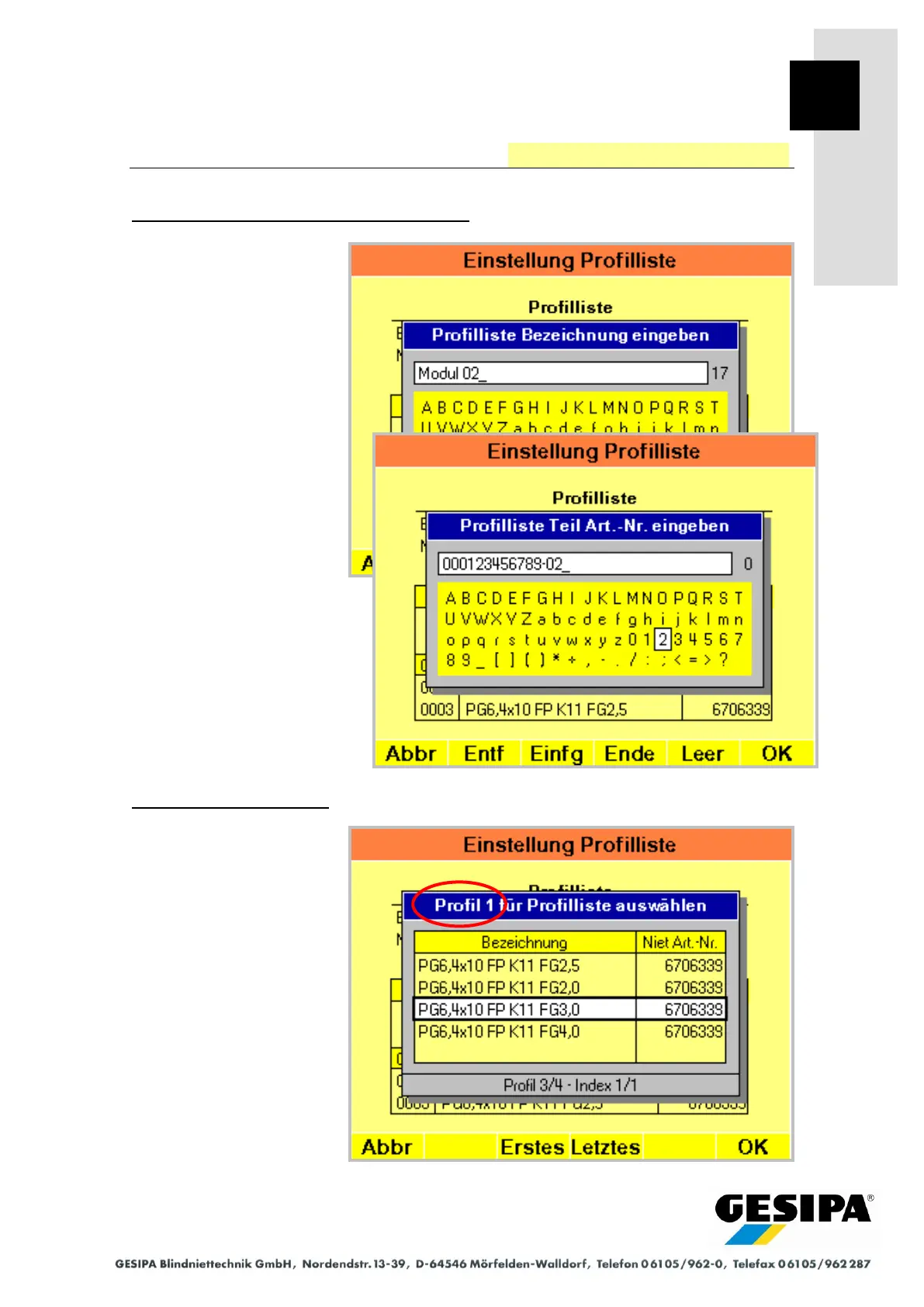
Step 2: Entering designation and part number
The designation of the profile
list and the part number of
the component or assembly
are now entered one after the
other.
The designation of the profile
list should clearly identify the
application.
The designations used can-
not be transferred to new pro-
file lists.
Step 3: Creating profile list
When creating a profile list it
is important that the profiles
assigned to the respective
blind riveting point are saved
in the same order that the
blind rivets will later be pro-
cessed in the component
(see Section 11.1 "Process
Monitoring" - "Functional
Principle" - "Profile Lists").



 To Next Page